Android
7 Best Free AI Apps for Android: AI Assistant, Photo Editor, and More
Here's our list of seven best free AI apps for Android that can help you turn your device into an AI powerhouse.
By Ankita Sharma
Quick Tips
Between Gemini and Google Assistant, Google’s offerings are pretty decent and useful for your daily needs and tasks.
ChatGPT brought the AI revolution to the forefront and is still holding strong and improving every passing day.
Bing employs a voice feature and is powered by GPT 4. A deadly combination for anyone who wants to make their life easier with AI.
1. Google Assistant – Most Popular AI App
If you’re using an Android device, chances are you’ve heard of Google Assistant , even more so now, with Gemini integration . One of the most popular AI apps, Google Assitant, lets you schedule events, start timers, look up information, and more with the help of simple voice or written commands.
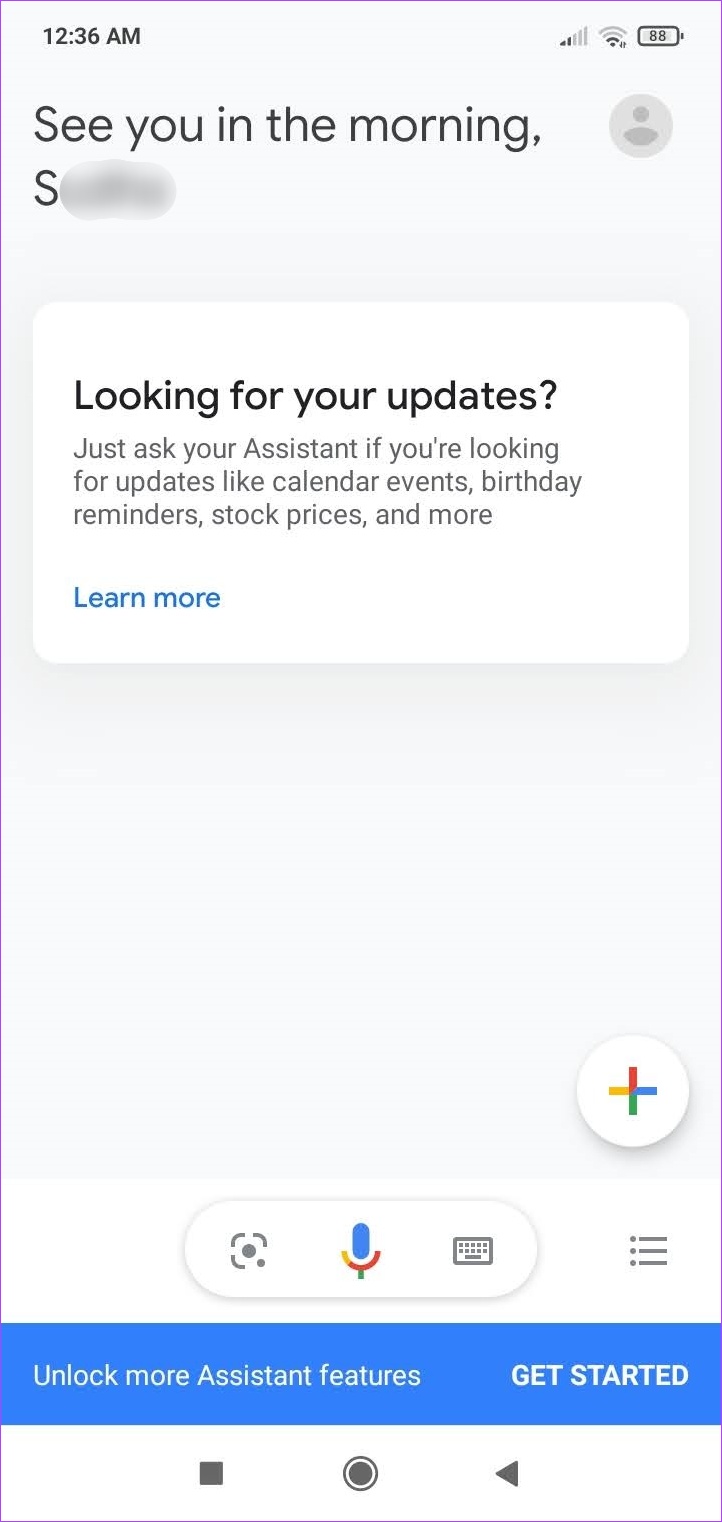
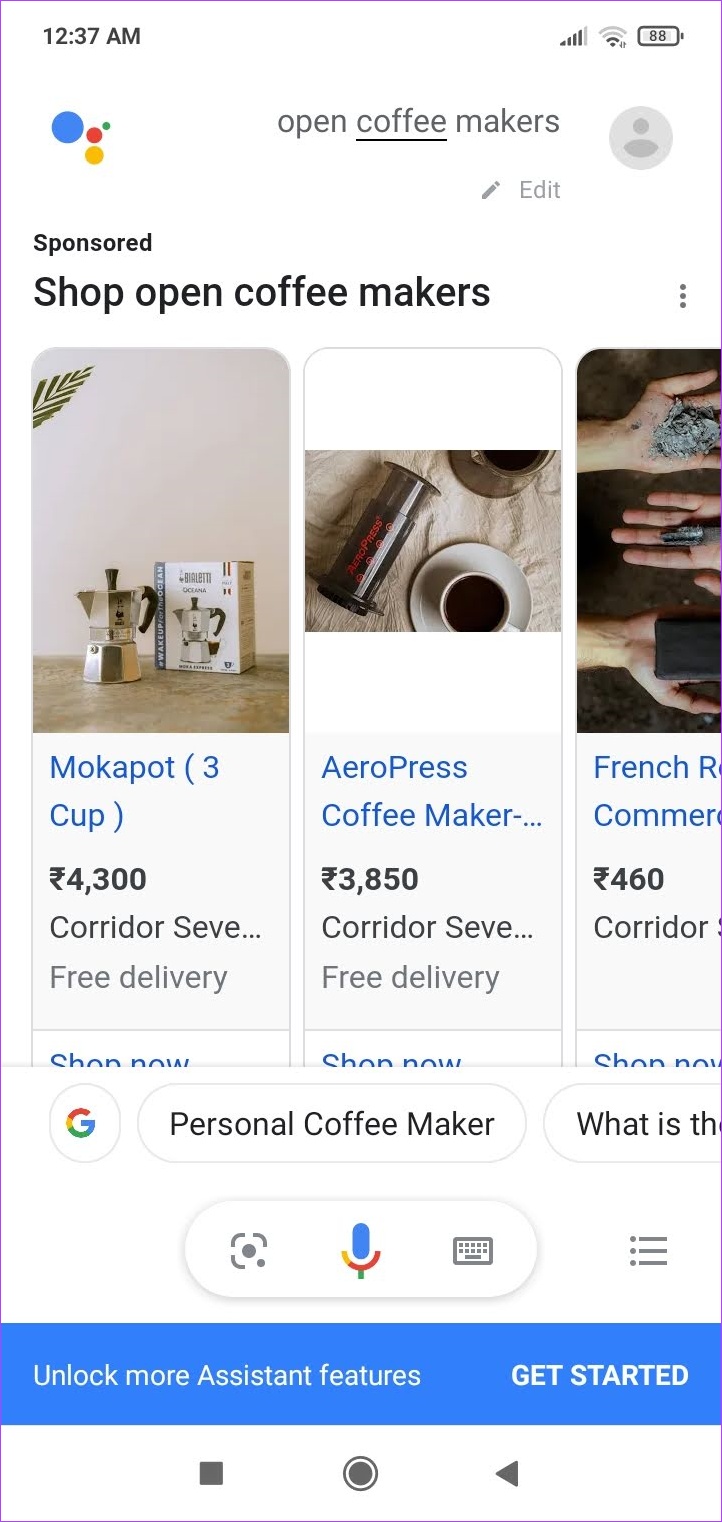
Using Google Assistant, you can set up custom routines that can help trigger tasks with your commands or use the already available modes, like driving mode, to get things done. When enabled, you can use the ‘OK Google’ command to wake up Google Assistant. You can also get buying recommendations when looking up products.
While Google Assitant is a great tool for increasing productivity, there have been times when the app suddenly started without the OK Google prompt. Additionally, there have been privacy concerns over Google’s not-so-transparent views regarding the collection of user data.
Pros
Easy to use
Integration with other Google apps
Can set up custom task commands
Pre-set routines and modes
Cons
The app may collect data
It may open unprompted
Price: Free
Download Google Assistant
2. ChatGPT – Best AI Chatbot App for Android
There are thousands of AI chatbot apps available on the Play Store, but we’re sure you don’t need to look beyond the official ChatGPT app for Android . It puts in a brilliant mobile user interface for the powerful large language model, which we’re all aware of at this point.
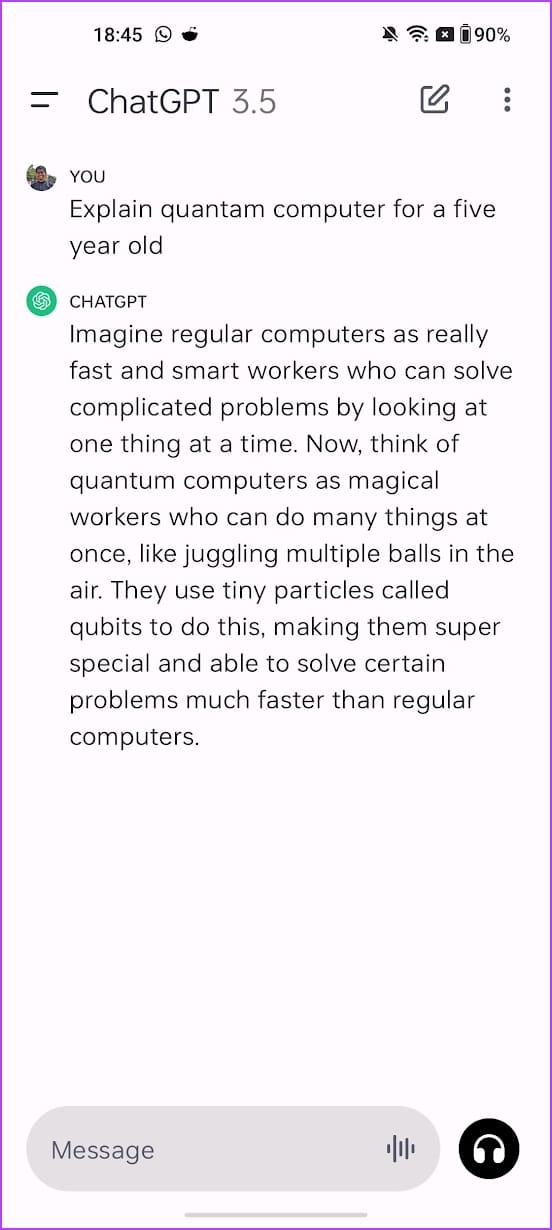
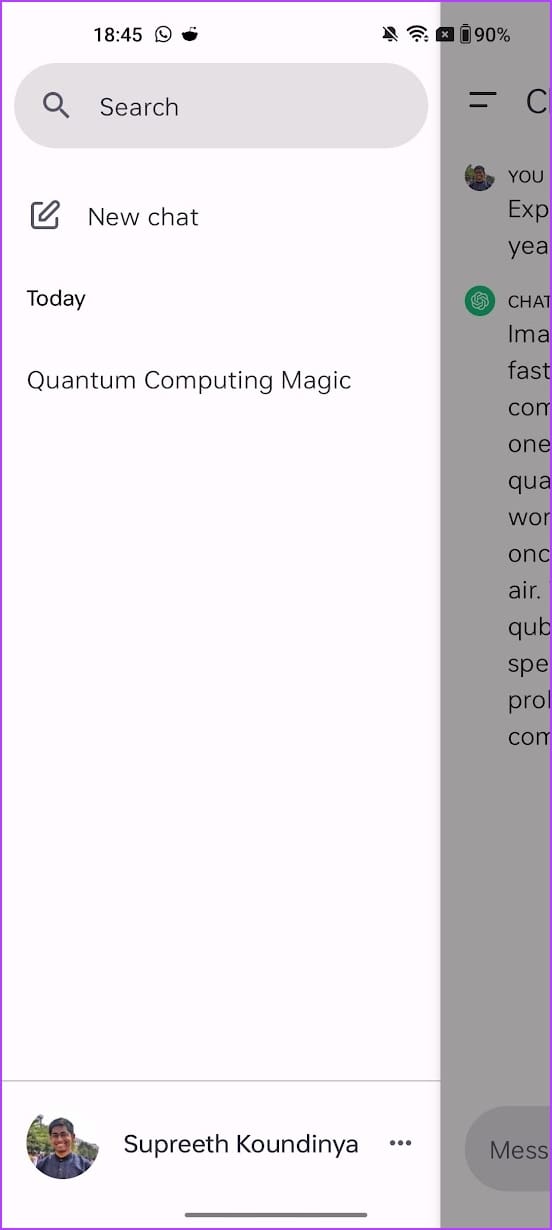
The app has a simple user interface, and once you sign in, you can ask your queries. The latest version of the app also allows you to dictate your query into the chat window. You can also access your previous conversation threads in the history tab. Furthermore, you can add custom Instructions and provide additional data to the chatbot for more accurate and relevant responses.
The free version of ChatGPT provides answers using GPT 3.5, and a subscription to ChatGPT Plus can provide access to GPT 4 among all the other new multi-modal features. However, if you want to use GPT 4 for free, you can look at the next app on this list.
Pros
The best large language model presently available
Features a brilliant user interface
Input queries with your voice
Cons
Unlike Google Bard, ChatGPT does not feature the latest data
At times, the app might take longer to respond, depending on the server loads
Hallucinations in AI can be concerning if you are looking for accurate information
Price: Free; ChatGPT Plus: $20 per month
Download ChatGPT
3. Bing – Best AI Search Engine App and Use GPT 4 on Android
Bing has been slowly becoming the go-to app for various reasons. Using the voice feature, you can look for things to purchase, dining recommendations, and even ask Bing to recite a poem. Once the command is given, Bing’s ChatGPT-powered AI engine combs through the search results to give the best and most accurate answers to your queries.
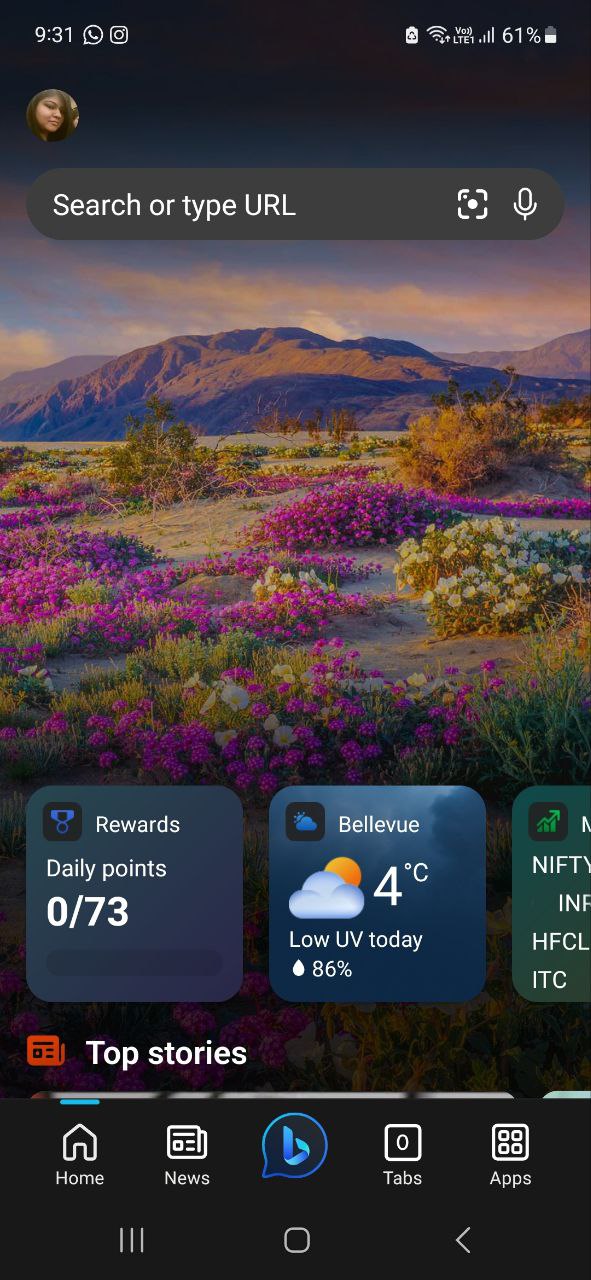
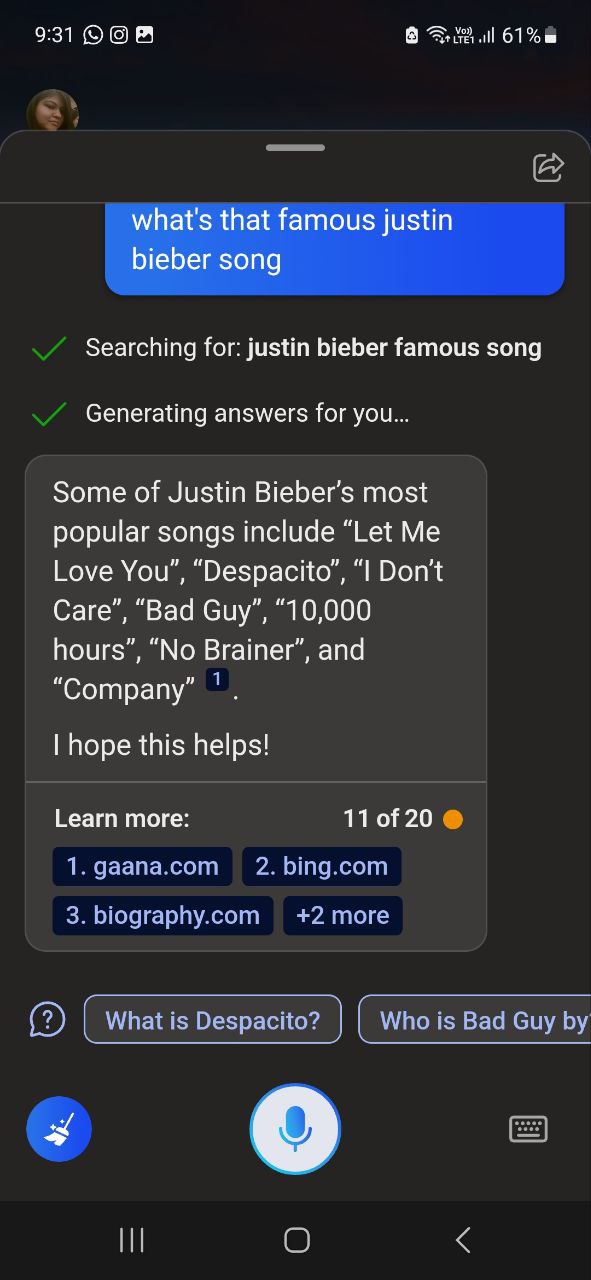
More importantly, Bing offers GPT 4 for free, which is otherwise exclusive to ChatGPT Plus only. You can choose what style of response you want from Bing. While the conversation style gives you detailed answers, it becomes a little too detailed when Bing starts reciting the lyrics to the song you searched for.
A precise style will get you more to-the-point answers with surprisingly good accuracy. You can also tap on the answer sources for more detailed information. However, you must be logged in to your Microsoft account to use Bing’s AI engine.
When using voice commands, we found that Bing wasn’t always accurate in picking up responses. Additionally, when using the conversation style, Bing sometimes kept speaking despite tapping the stop button. The app also had issues executing commands like ‘set up a timer’ even when all the permissions were enabled.
Pros
Simple app interface
Different response modes
Answer sources
Integration with other Microsoft services
Cons
The app may share data with third-party services
Not always accurate when using voice commands
Some commands may be unavailable
Price: Free
Download Bing
Tip: Did you know you can also use Bing Image Creator to create amazing AI images .
4. ELSA Speak – Best AI App to Learn English
ELSA Speak is one of the best apps for learning and improving your English speaking skills. The app has comprehensive lesson plans to help you practice and prepare for different situations.
It uses AI to analyze your speech and pronunciation patterns to give you real-time results. Lessons use a conversational tone to help users get a more practical learning experience.
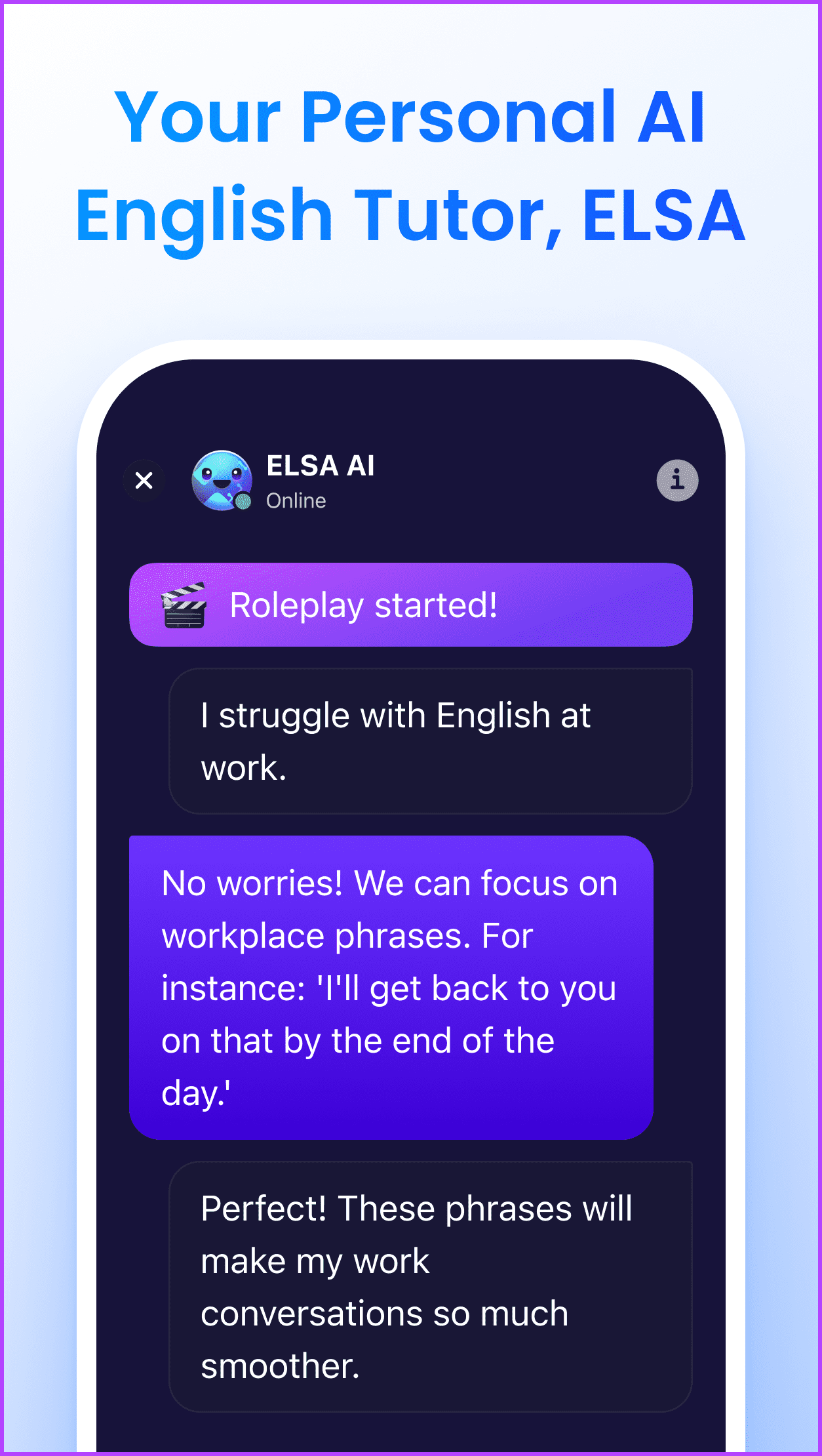
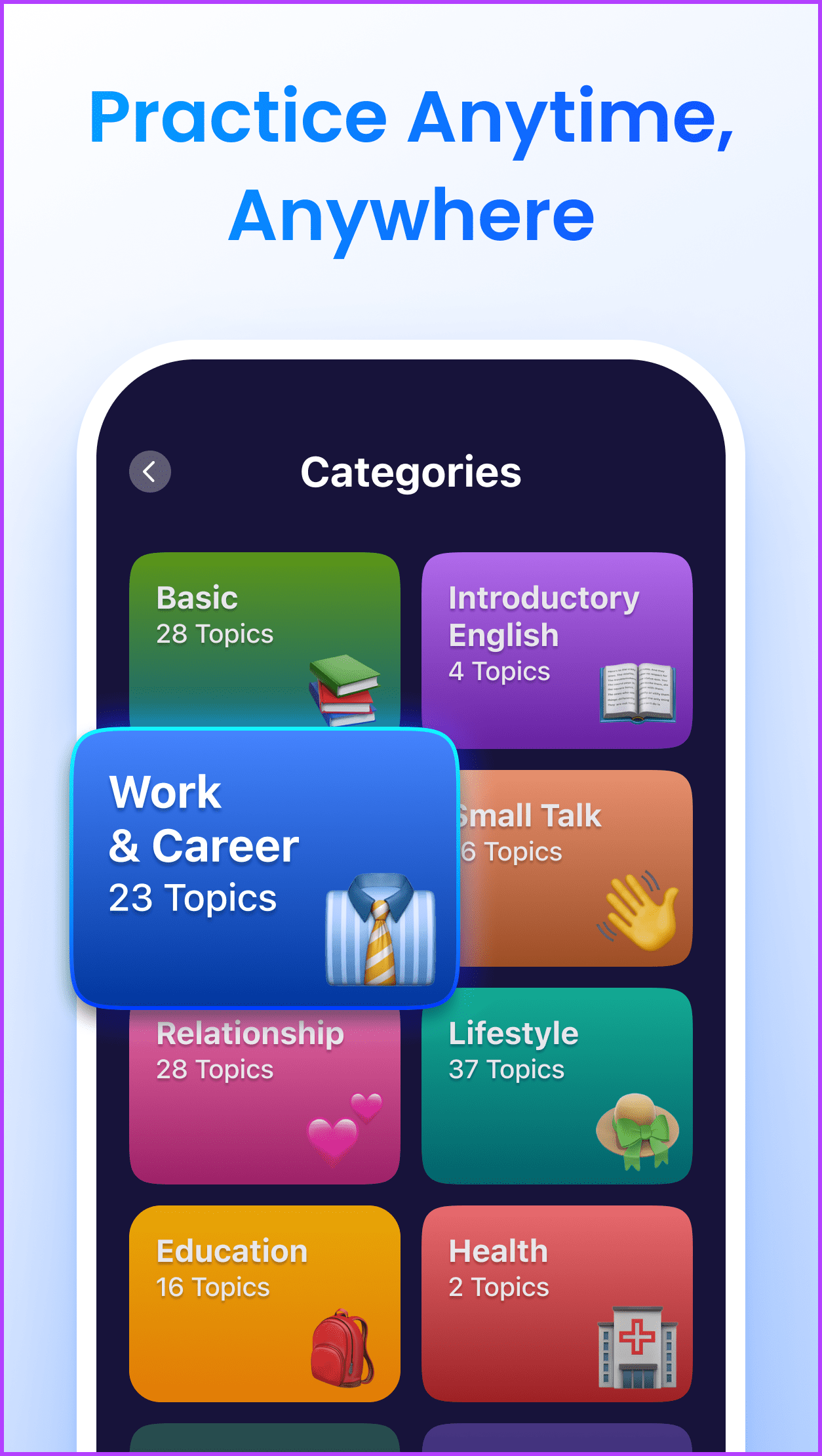
The ELSA Speak app also helps judge your overall progress with your current lesson plan. It uses learning graphs and gives you an overall score of 100% for every completed lesson.
While testing, we found the app pretty accurate in understanding speech feedback. Even with the free plan, you can access certain customized lesson plans. However, the free plan is more suited for the beginner level due to the limited number of courses and a cap on the number of lessons you can access daily.
Additionally, topics like real-life conversations and video lessons are only available to paid users. While you can use the app without creating an account, you will need one to save your progress.
Pros
Easy-to-follow courses
Practice courses for certification tests in the paid version
Lessons on topics for different situations in the free version
Comprehensive lesson plans
Cons
Per day lesson limit for free account
Limited course plans with the free plan
Price: Free plan; Subscription : $11.99/month onwards (7-day free trial)
Get ELSA Speak
5. FaceApp – Best AI Photo Editor App
FaceApp has become a viral sensation with its ability to alter photos using AI. It has different filters that can help you flip the gender, add age, and completely change the look of a picture, among other things. The results are hyper-realistic pictures that can sometimes pass off as originals.
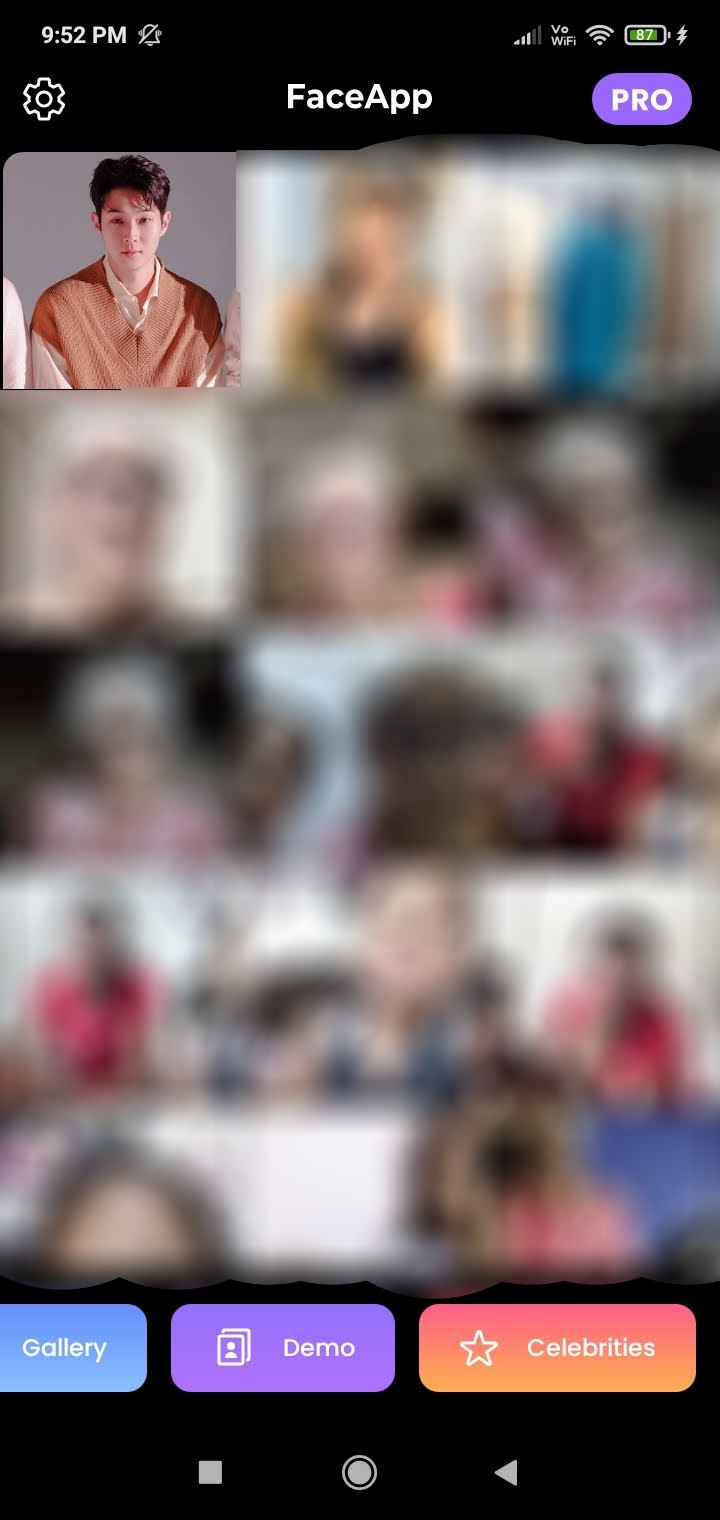
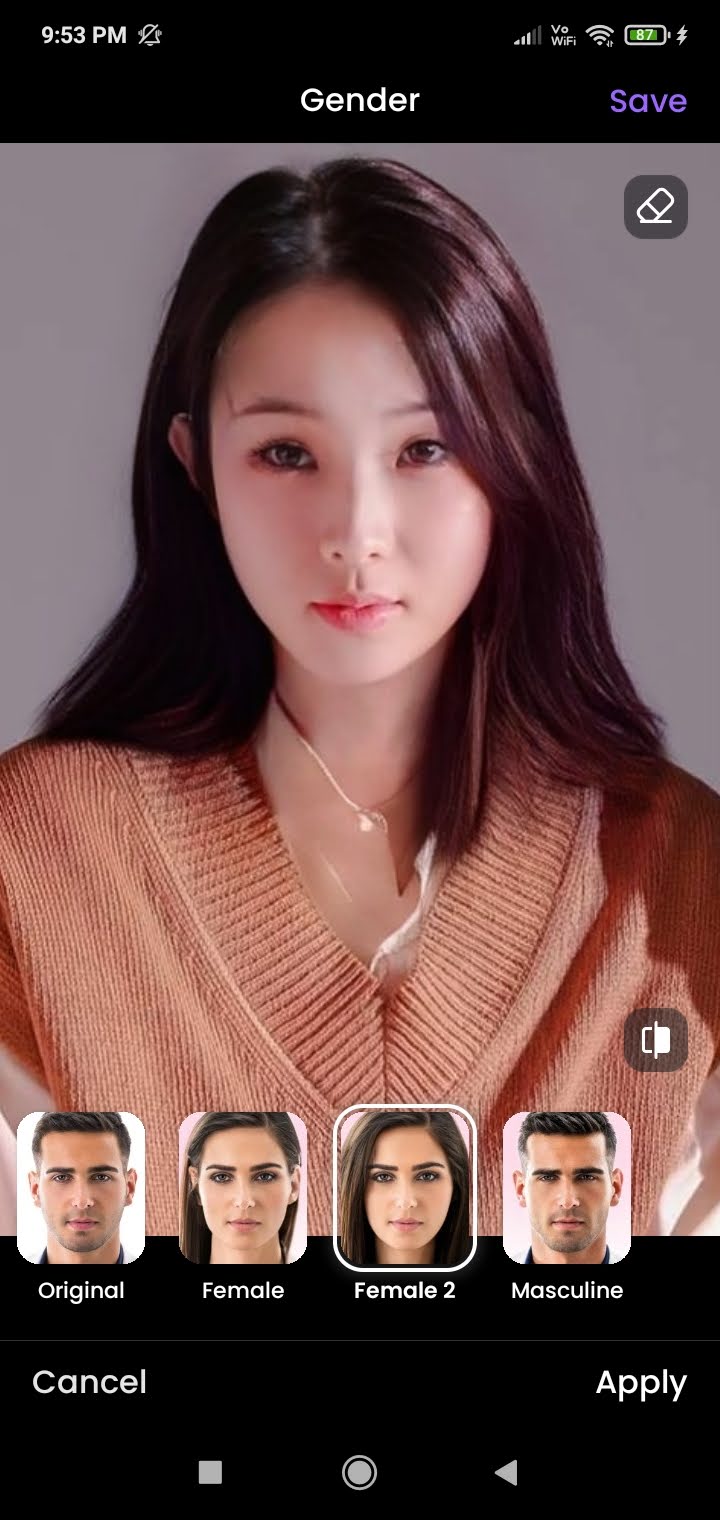
The app uses its AI-powered engine to study the uploaded picture. Then, once the filter is applied, it molds it according to the characteristics of the picture. This allows users to completely change hairstyles, add age, alter eye color, change skin texture, etc., by applying a filter.
While FaceApp is a brilliant editing tool, it has been constantly surrounded by data privacy concerns, mostly due to its complicated privacy policy. Additionally, you must go for the paid pro version to access its entire library of filters and get the option to remove watermarks from the image edited using the app.
Pros
Filters for easy editing
Realistic pictures
Social media sharing options
Clean and simple app interface
Cons
User information shared with third-party services
Limited filters for free users
Watermarks added to images in the free version
Price: Free plan; Subscription : $7.49/month onwards
Download FaceApp
6. Youper – Best AI-Powered App for Therapy
Youper uses a combination of AI and Cognitive Behavioral Therapy (CBT) to gauge your mood patterns and suggest activities. Depending on your mood progression, you can check in to the app multiple times a day. Youper will then use this data to compile an insight report to get a closer look into your mood patterns over time.
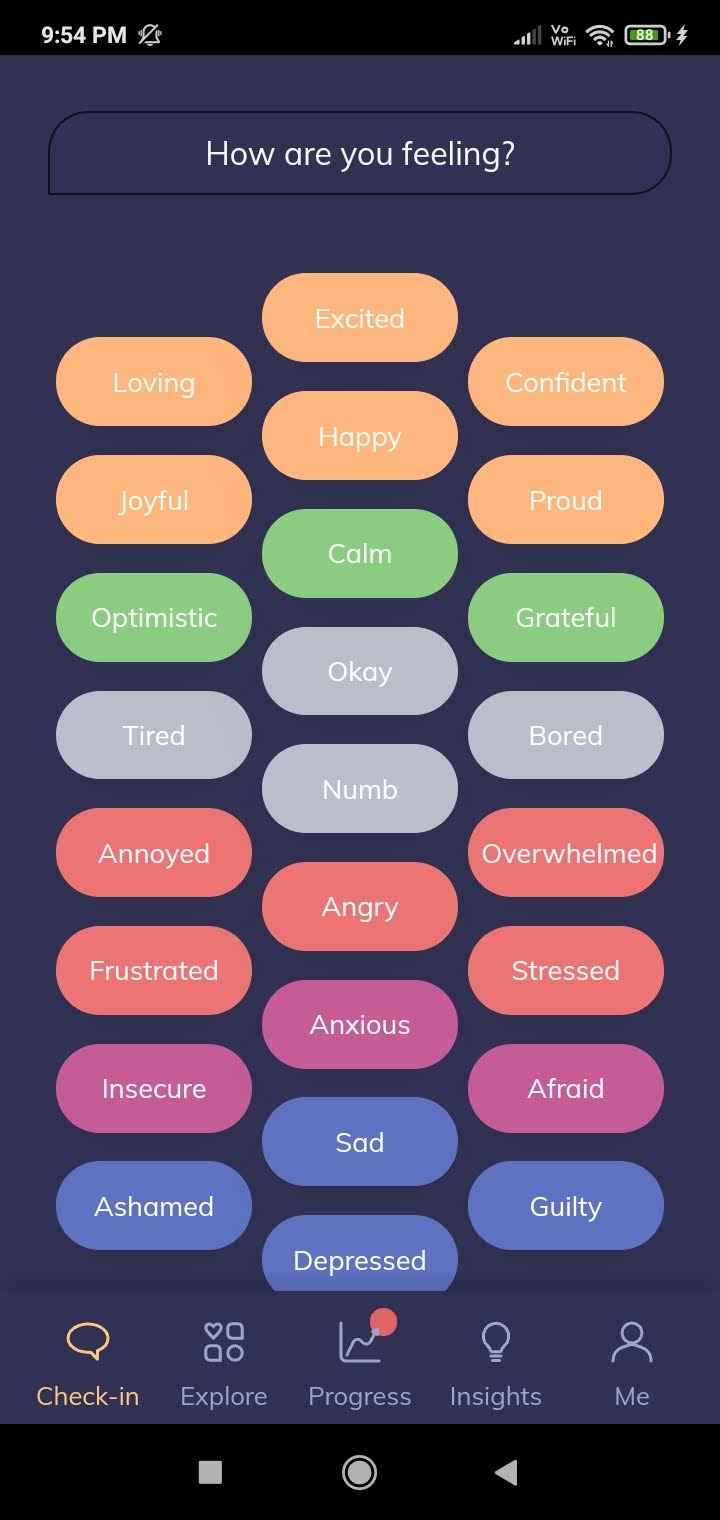
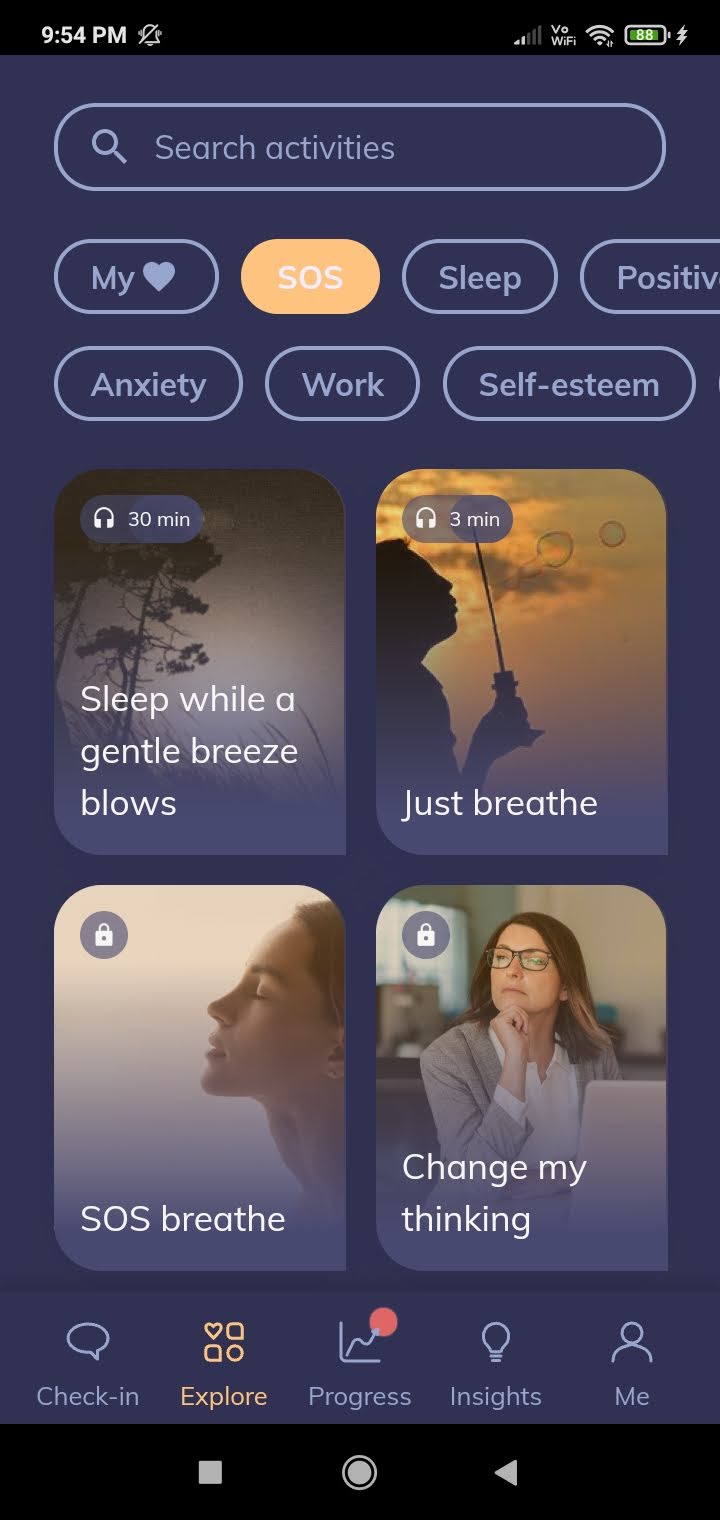
Once you click on a new activity, it will ask if you have any previous experience to better understand your needs. Additionally, if you try leaving any activity halfway through, it will suggest alternative options to elevate your mood. It is one of the best apps for mental health.
The app is also powered by an AI chatbot that provides accurate responses to your queries and input. The Youper interface, however, is not very user-friendly. It constantly redirects you to different pages within the app, even when you click on a menu option.
Further, progress reports and several therapy activities are only available to paid users. Additionally, once you’ve started a check-in task, you cannot go back or exit the window without completing it.
Pros
Uses AI to analyze and track moods
Comprehensive insight report for free users
Uses Cognitive Behavioral Therapy (CBT) to recommend therapies
Paid users can access full screening reports
Cons
The app interface is not user-friendly
Limited free features
Price: Free plan; Subscription : $69.99/year onwards (7-day free trial)
Download Youper
7. Otter AI – AI Audio Transcription App for Meetings
Otter is an AI-powered transcription and note-taking app that helps capture and organize your thoughts, conversations, and ideas. It can transcribe the audio in real-time, so you can focus on the discussion and take notes later. You can sync your calendars with Otter, and the tool will automatically join your meetings.
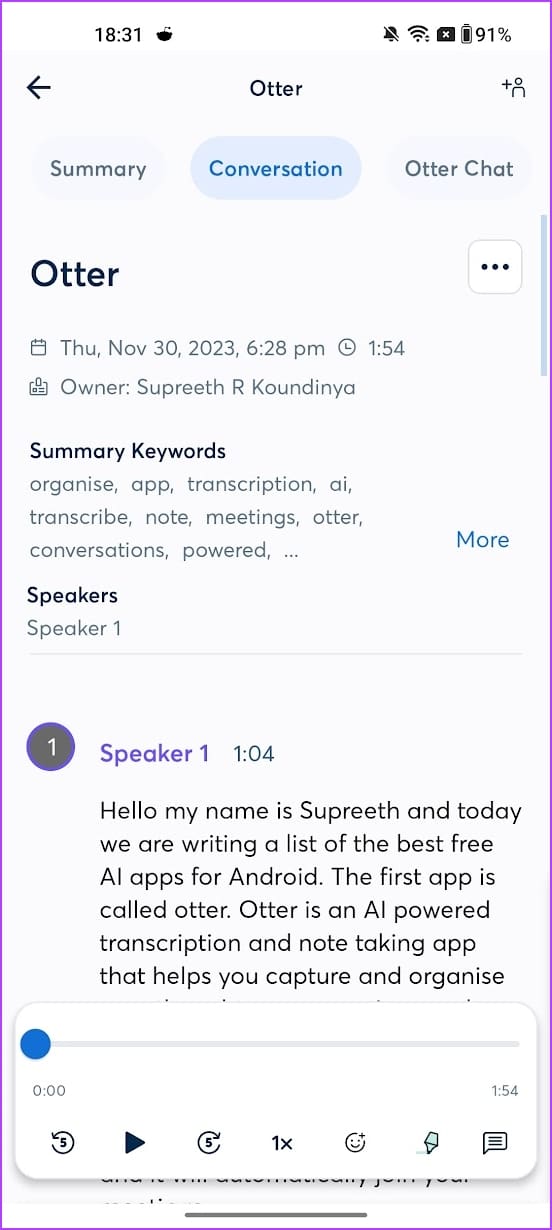
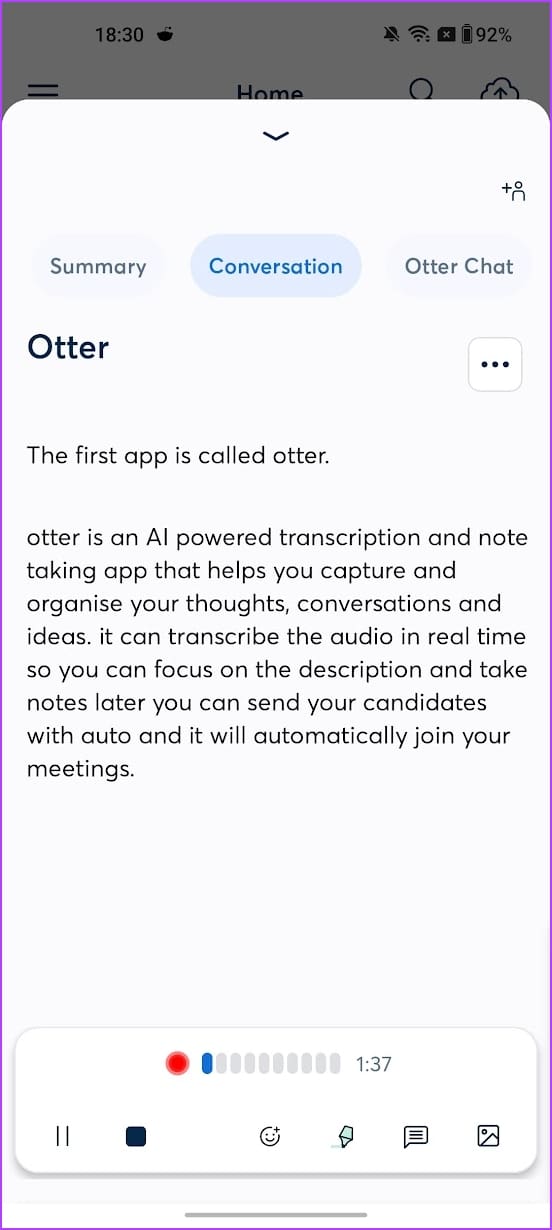
There’s a feature called Otter Chat, which lets you talk to a bot about everything happening in a conversation being recorded in a meeting.
Otter also supports importing audio files and automatically captures slides from presentations. Additionally, it can generate summaries of your recordings and identify key speakers. Otter AI can automatically identify different speakers in a conversation, making it easy to follow who is saying what. Otter also lets you generate content from your conversations – like follow-up emails, action item lists, and meeting summaries.
Otter’s free plan only lets you transcribe thirty minutes of transcription per audio. To transcribe more than that, you must upgrade to a paid plan. The paid plan also offers additional features like bulk conversation export, editing audio to skip silence, etc.
Pros
Accurate transcription
Real-time transcription
The app generates summaries and key takeaways for audio
Cons
Limited free plan
The app could use a better user interface. The sheer number of options on a single screen makes for a cumbersome experience.
Price: Free; In-App Purchases: Starts at $12.99
Download Otter
Tip : Want more? Check out these free online AI tools to automate your personal and professional tasks.
FAQs
1. Are there any other free AI apps for Android? Yes, there are several other free Artificial Intelligence-based apps for Android. A few examples include Replika , Socratic , and the Data Bot app. You can use them for their unique approach to communication, education, and personalized support, respectively.
2. Can I pair these apps with other services? Certain apps, like Google Assistant and Bing, can be paired with other services, such as other Google and Microsoft apps.
Was this helpful?
Submit Cancel
Thanks for your feedback!
Keep reading