Android
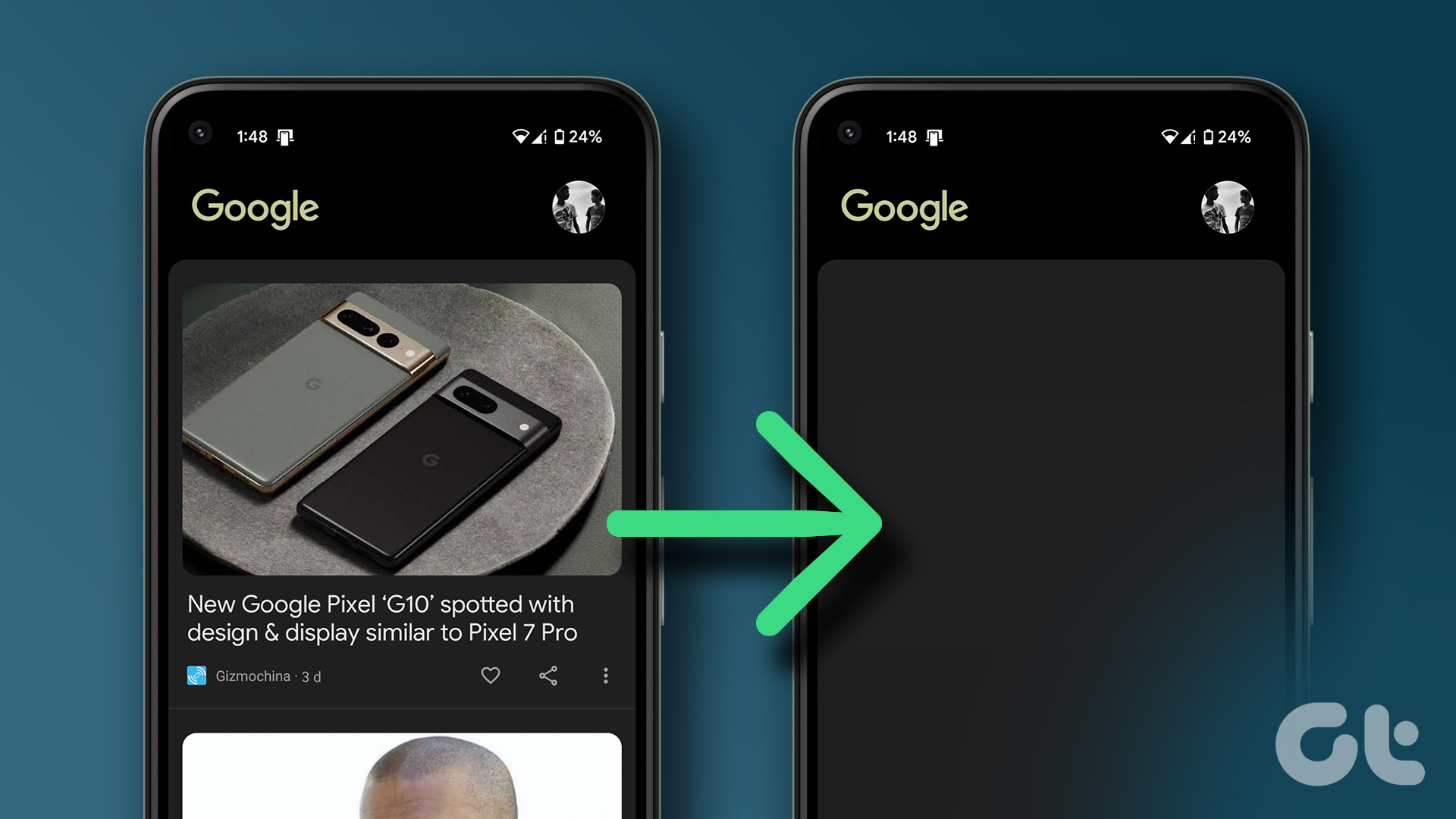
How to Completely Disable Google Discover on Android
Here's a detailed guide explaining how you can completely disable Google Discover on your Android devices.
By Ayush Patel
Quick Tips
To disable Google Discover on the home screen, go to home screen settings and turn it off.
To disable it when you open the Google search app, go to Settings > General> Discover and turn it off.
To disable it when you open Chrome, open Settings from the home tab, and tap on Turn Off.
Disable Google Discover From the Home Screen on Android
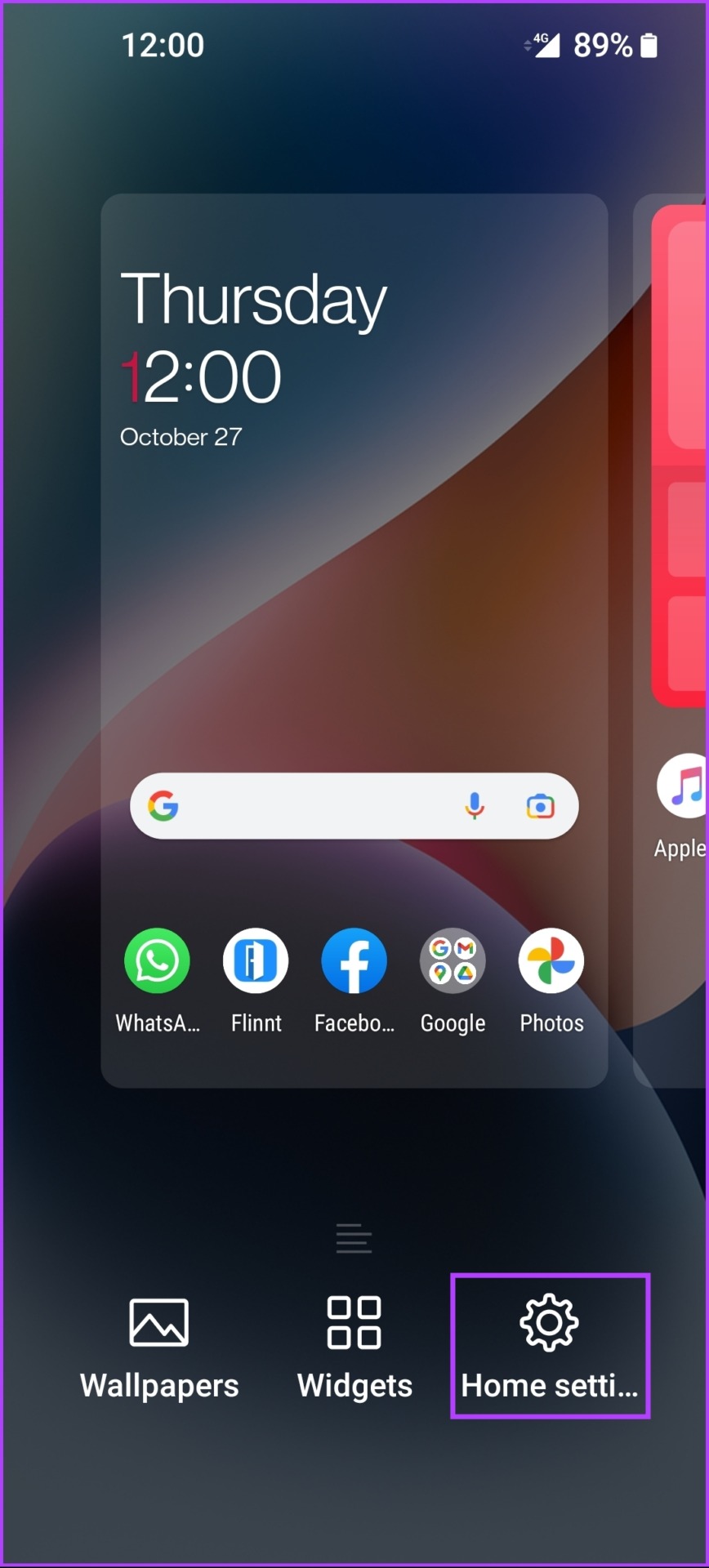
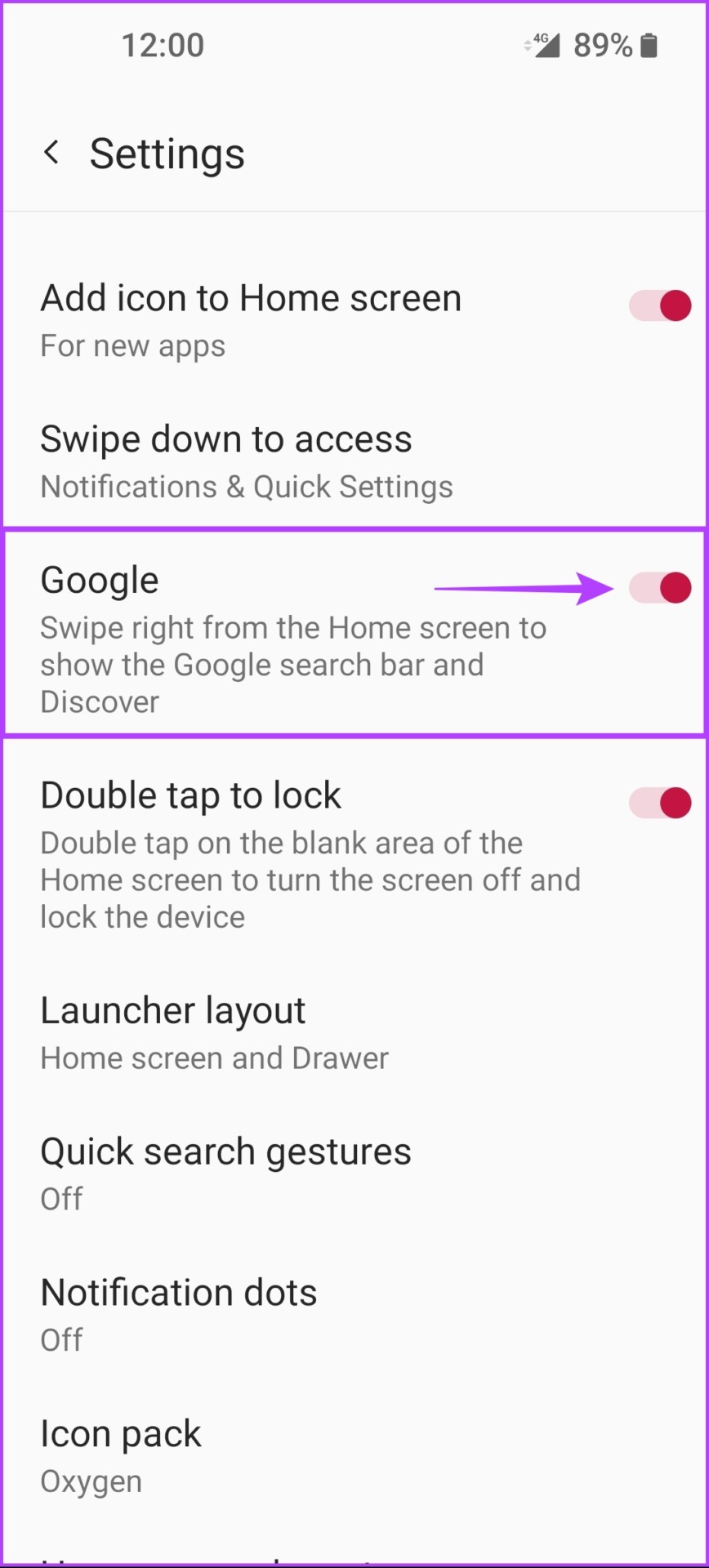
One of the quickest ways to disable Google Discover on your Android phone is to get rid of the built-in screen that appears when you swipe right from the home screen .
Step 1: Long-press on the screen until you see a menu pop up on the screen. Then tap on Home Settings .
Step 2: Now look for a toggle called Google (Google Discover on some phones) and tap on it to disable Google Discover .
Disable Google Discover From the Google App
The official Google app displays the Google Discover feed by default. Here’s how you can quickly disable Google Discover inside the Google app.
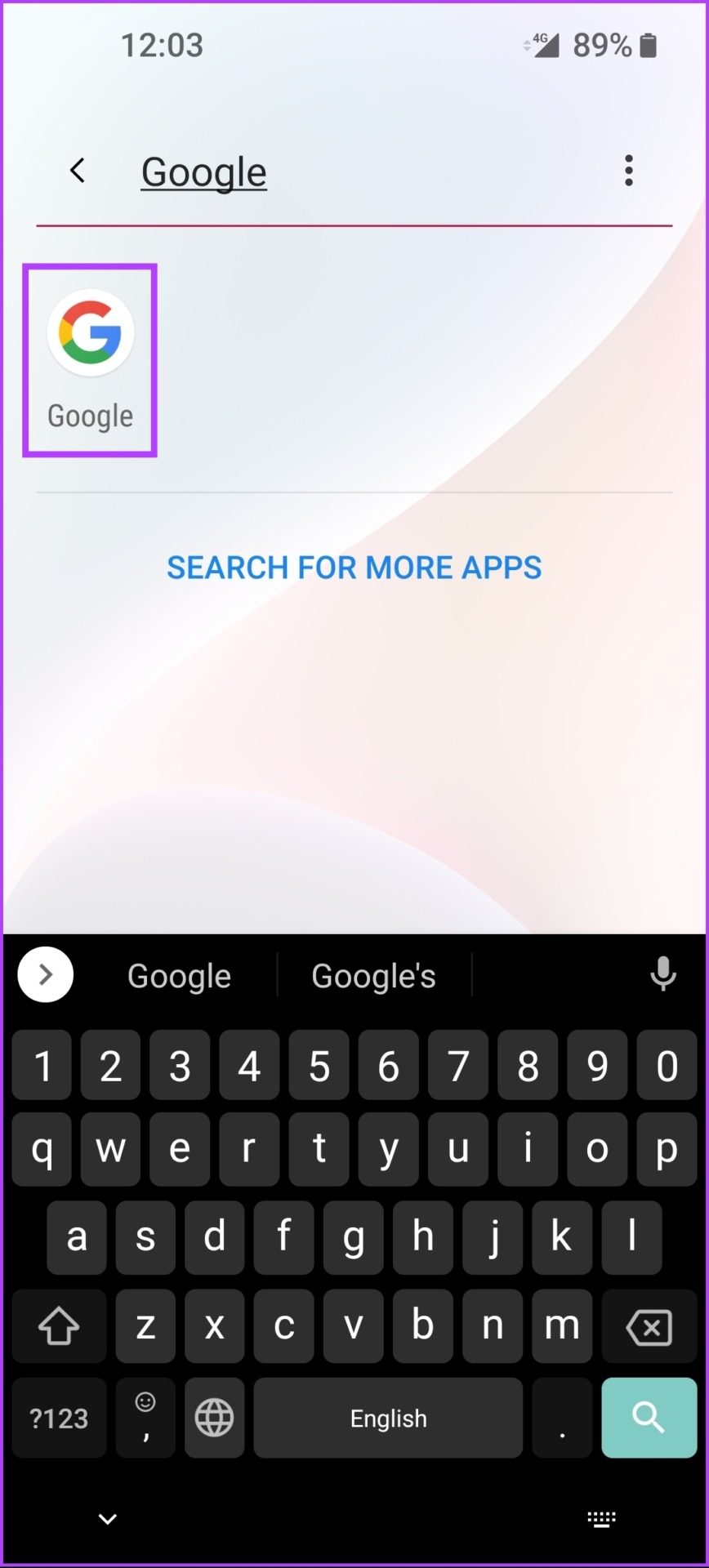
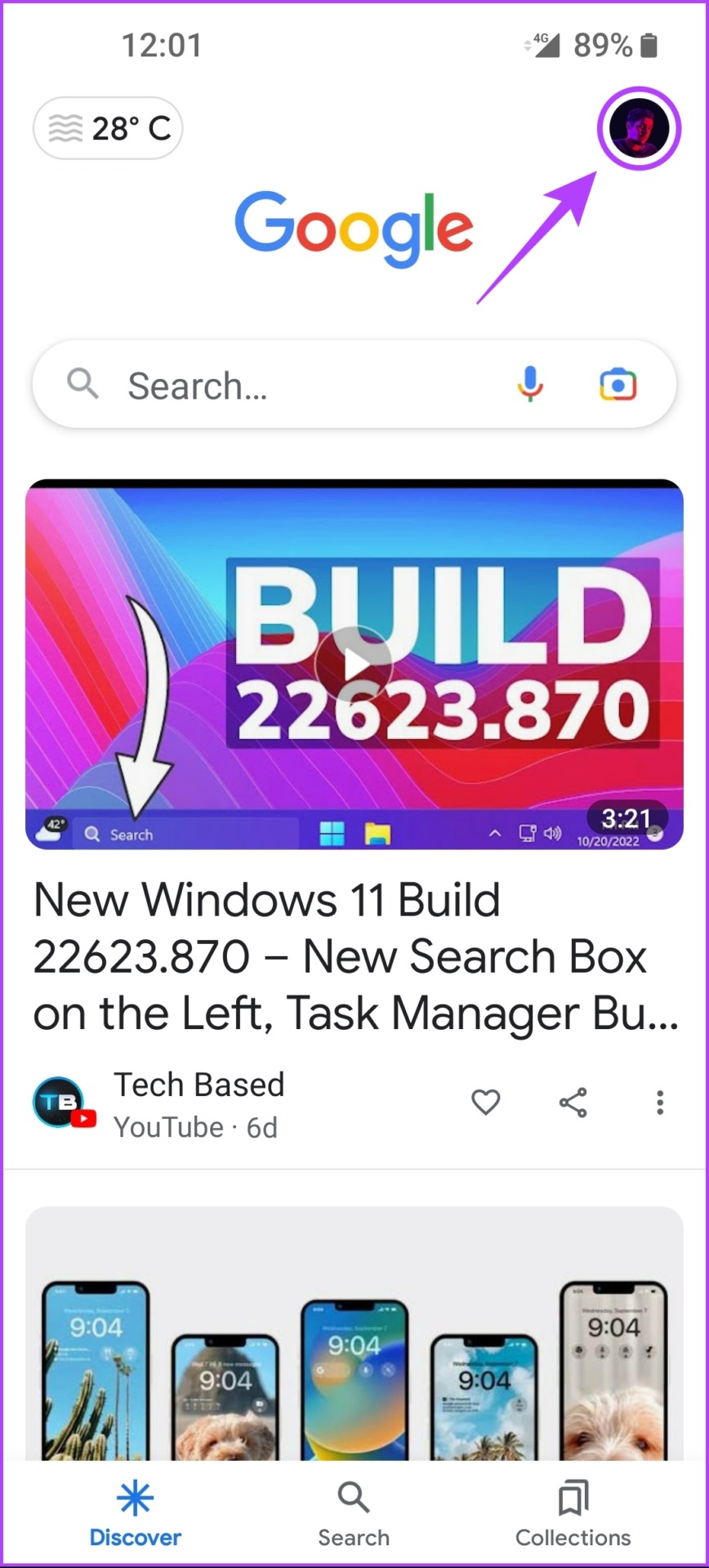
Step 1: Open the Google app and tap on your Profile Picture .
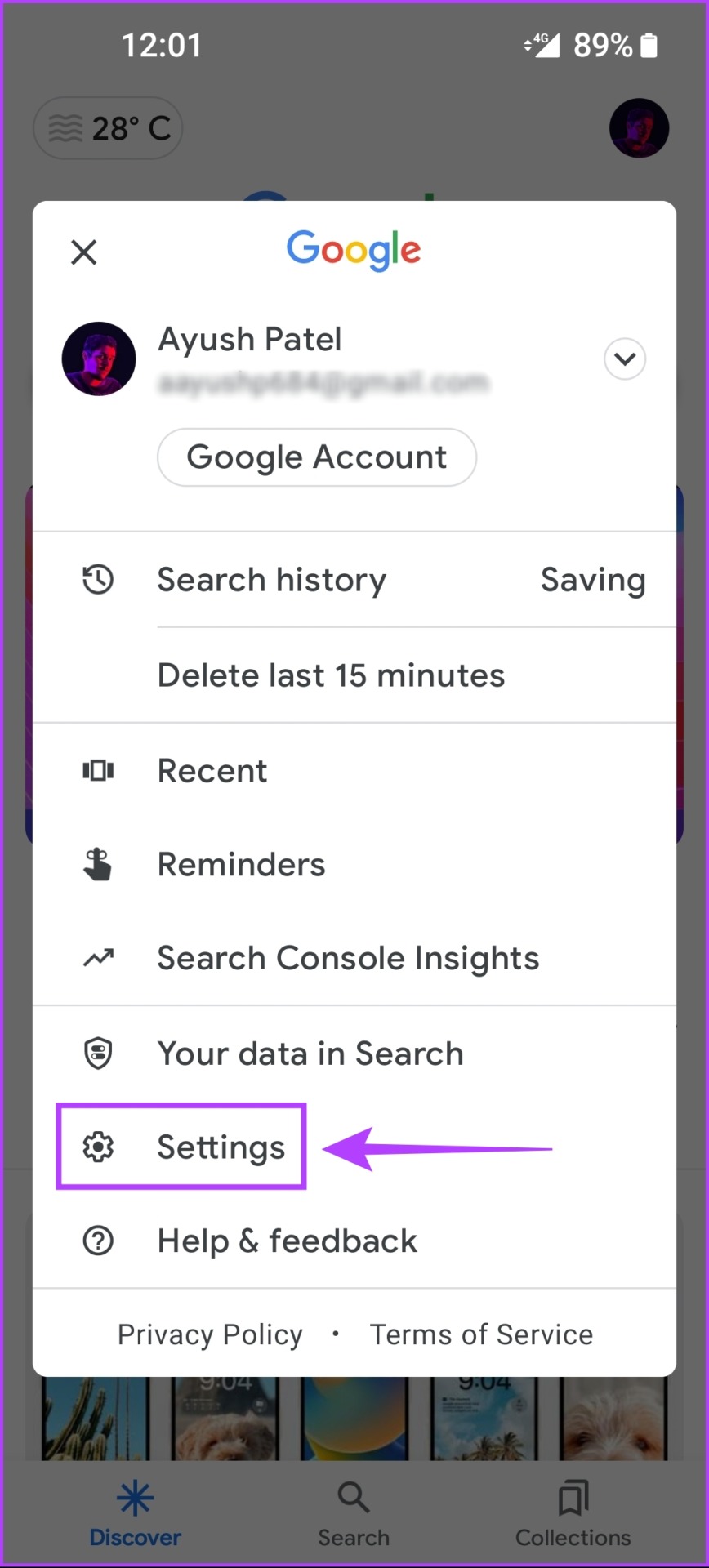
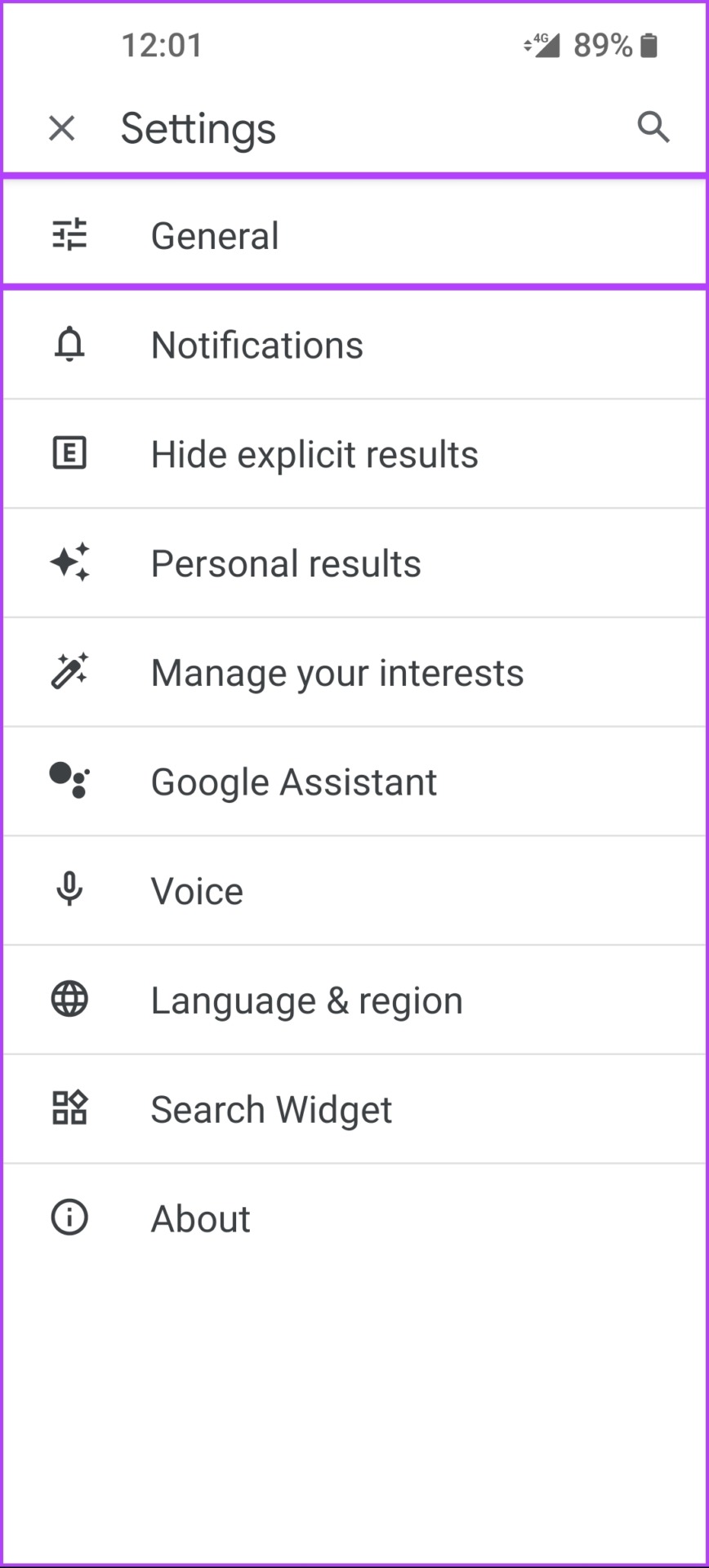
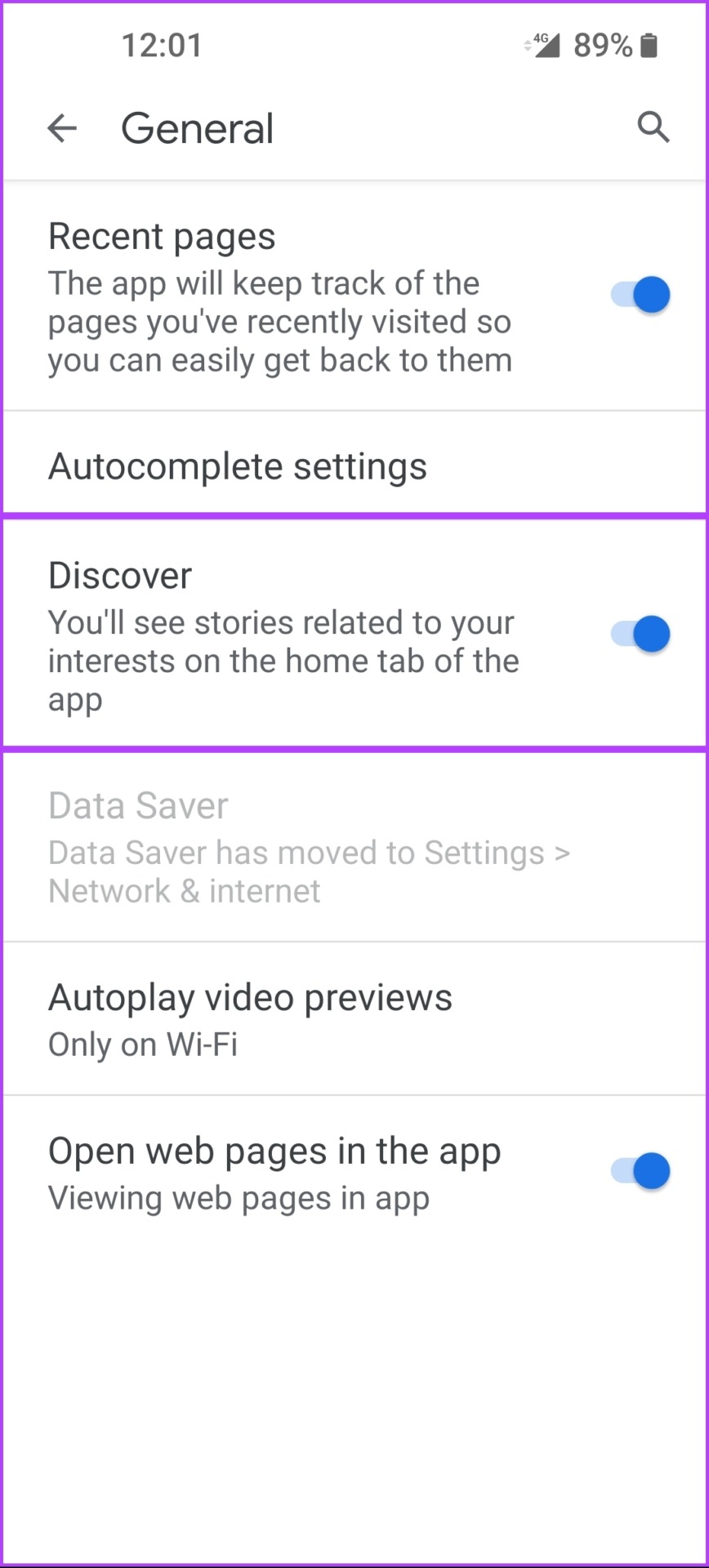
Step 2: Tap on Settings , followed by General, and turn off Discover .
Disable Google Discover From Google Chrome on Android
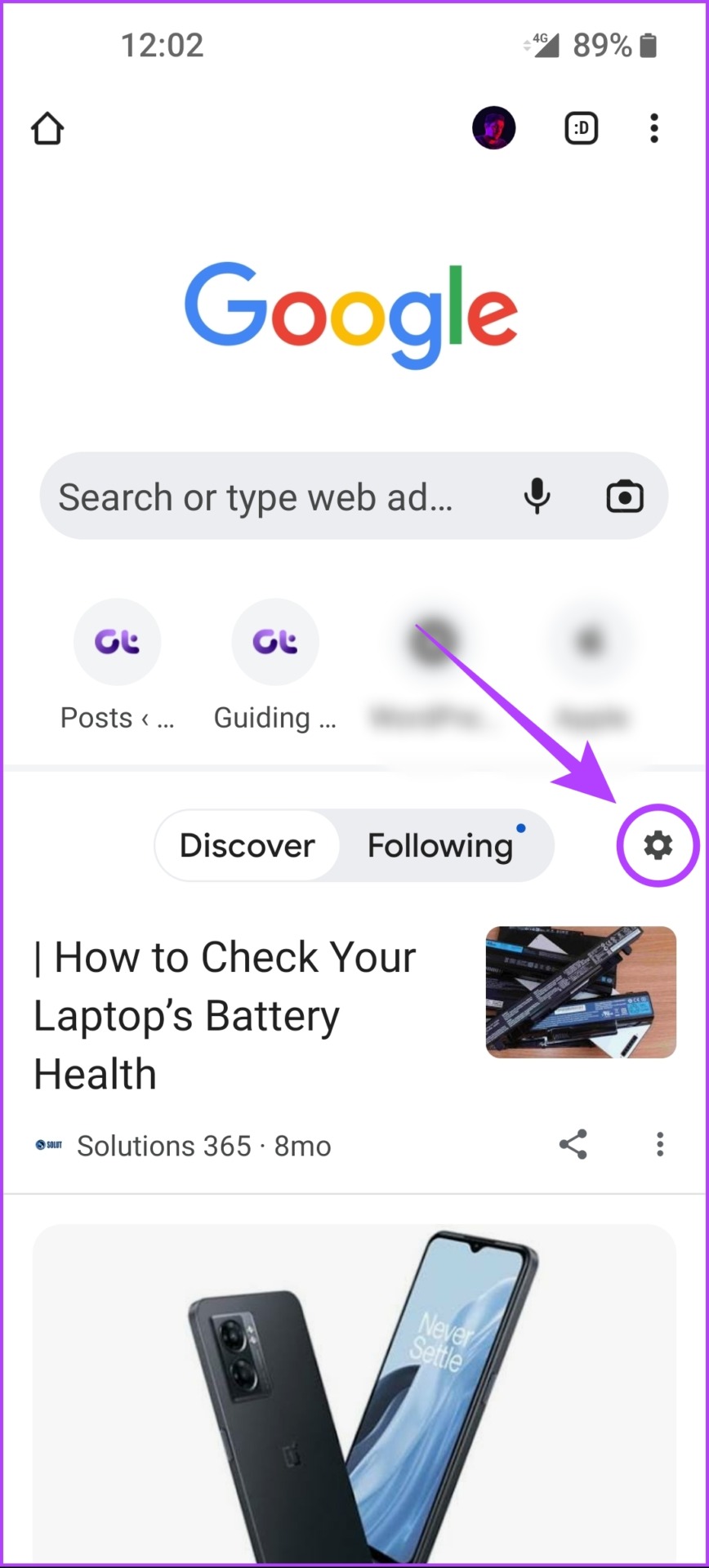
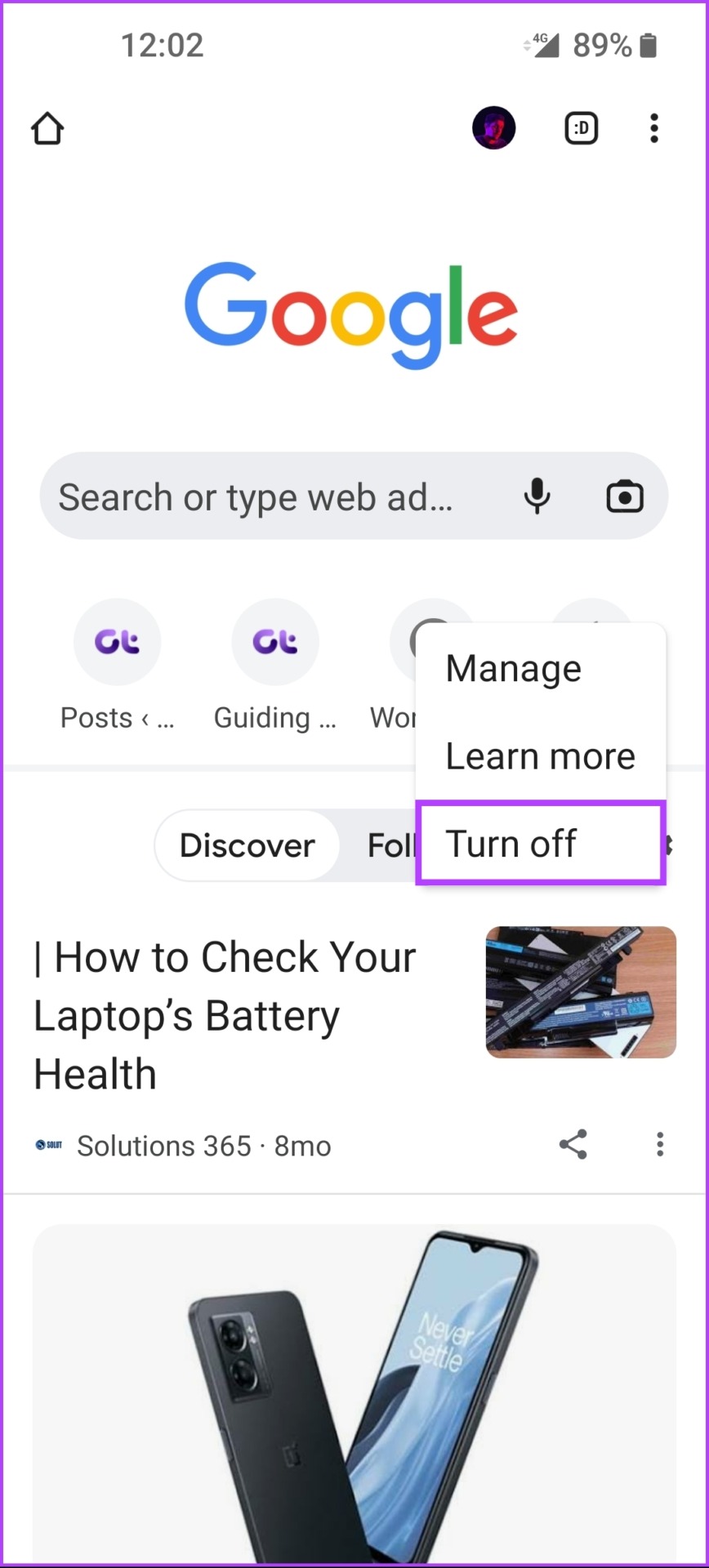
Google Discover appears in the Google Chrome browser on your Android phone. Here’s how you can quickly disable the Google Discover feed from the new tab page on Google Chrome for Android:
Step 1: Open Chrome and tap on the Settings icon in the home tab.
Step 3: From the context menu that appears, tap on Turn off .
Also Read: How to add Google search bar to home screen .
Was this helpful?
Submit Cancel
Thanks for your feedback!
Keep reading