Android
4 Android Browsers With Extension Support
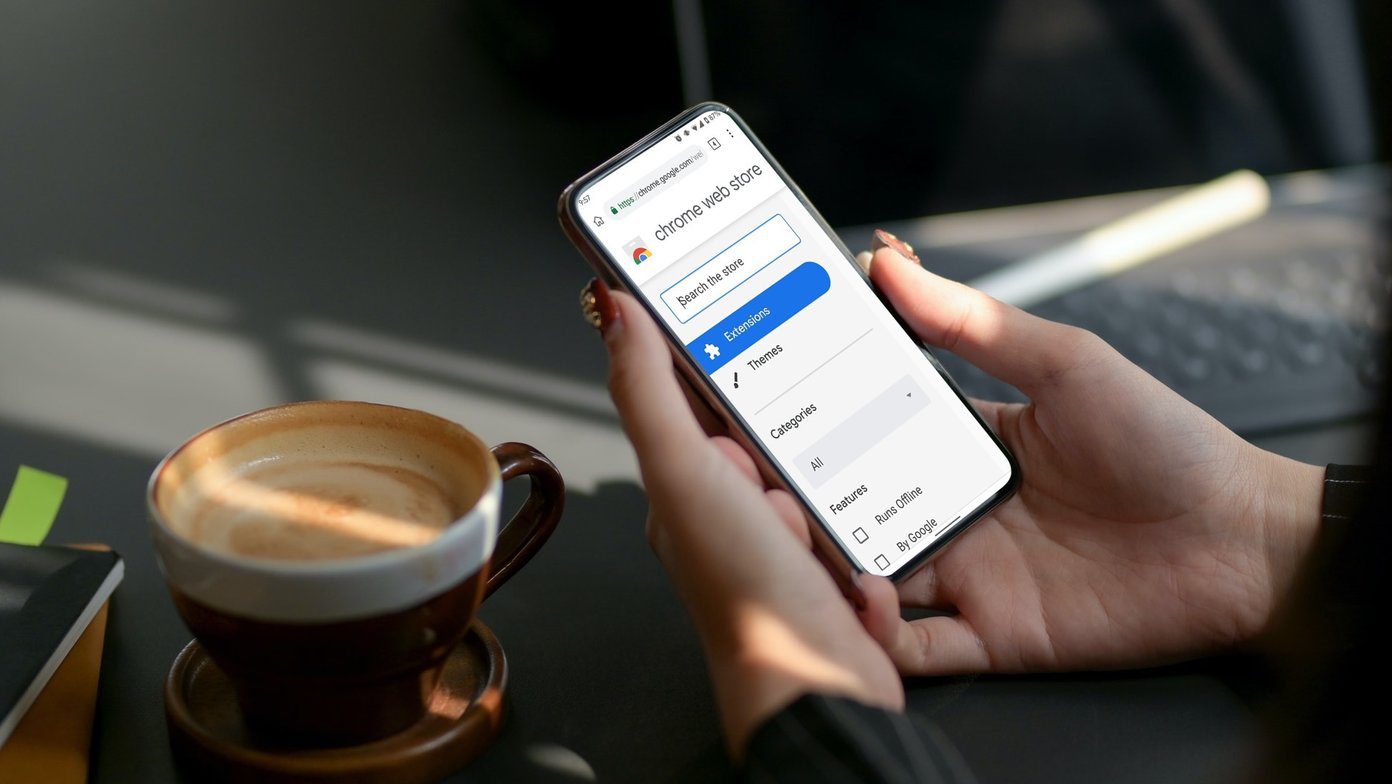
Looking for a browser that supports Extension and works on Mobile? Check out these Android Browsers with Extension Support
By Pankil Shah
Quick Tips
Browser based on Chromium engine will support all Chrome extensions.
Samsung browser has hand-picked extensions.
Fixfox browser has built-in extension support.
1. Kiwi Browser – One of the Best Chromium Engines
When it comes to Android browsers with extension support, the Kiwi browser is a popular recommendation across the internet. The browser is based on the Chromium project, so Chrome users will find a similar user experience and have no problem switching from their favorite browser.
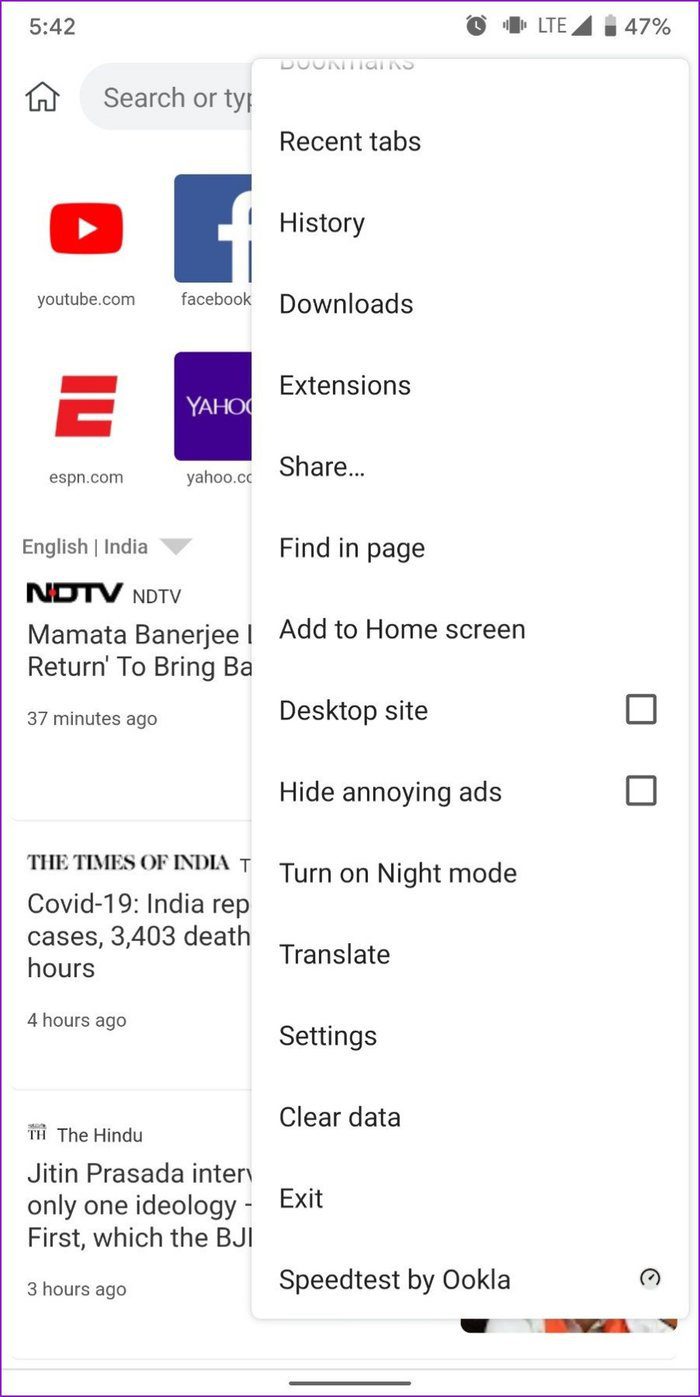
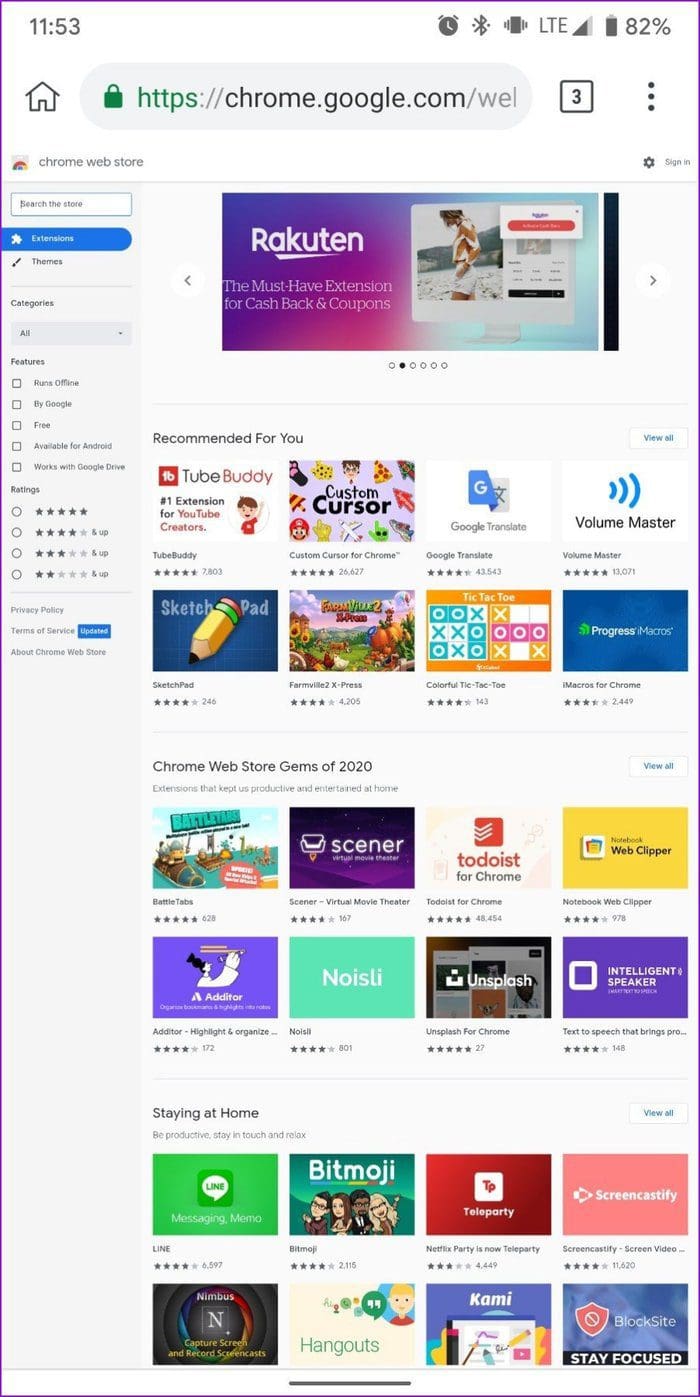
Adding Chrome extensions in the Kiwi Browser is also a PC-like experience. You can either go to chrome://extensions or use the three-dot menu.
Since the browser is built on Chromium Canary, you get the latest features for the stable Google Chrome browser before they’re released. The only downside of the Kiwi Browser is that it is exclusive to Android users. So, you can’t sync your data across platforms.
Pro
Chromium Engine.
Supports download from Chrome Extension store.
Supports Developer mode.
Cons
No option to sync across devices.
Performance is not at par with other mobile browsers.
Price: Free
Download Kiwi Browser
2. Yandex Browser – Fluid Browsing Experience
Whether ad-blocking, privacy, voice search, or customization, Yandex has everything you’d expect from a browser. On top of a fluid browsing experience, it promises to protect you from threats like untrusted certificates, malicious pages, paid subscriptions, and more.
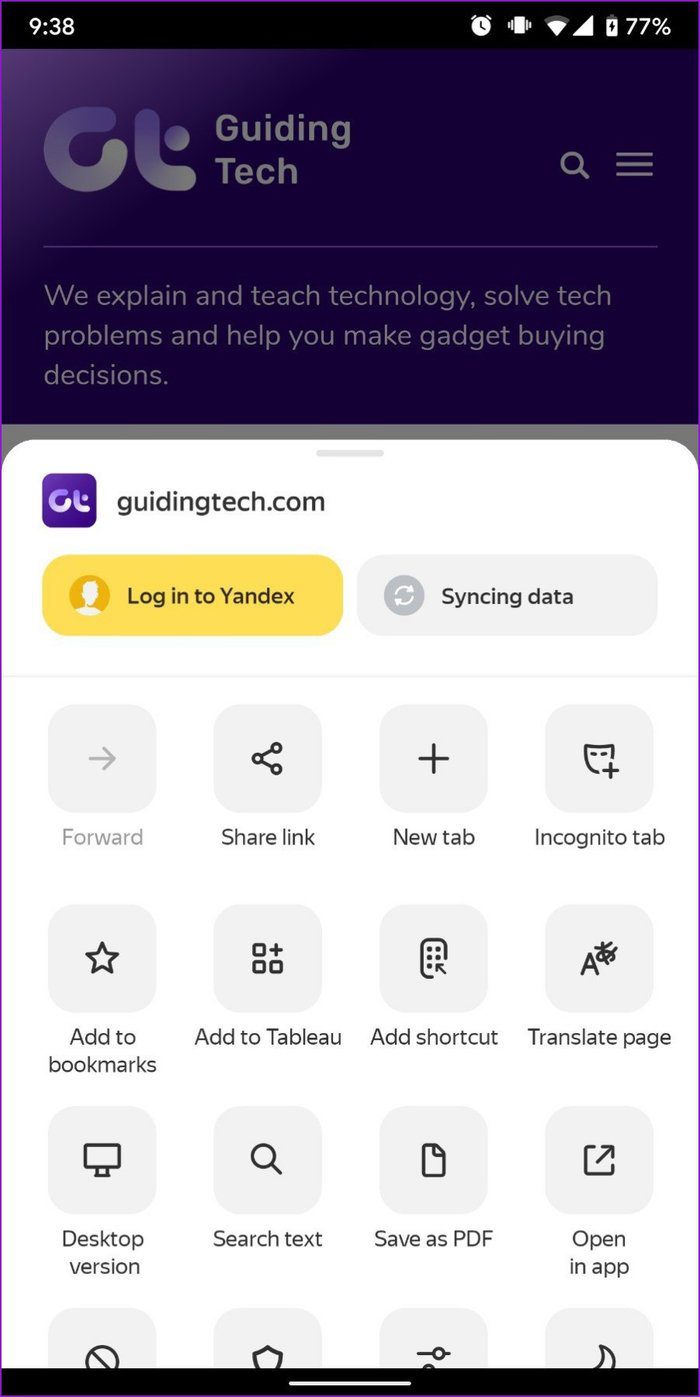
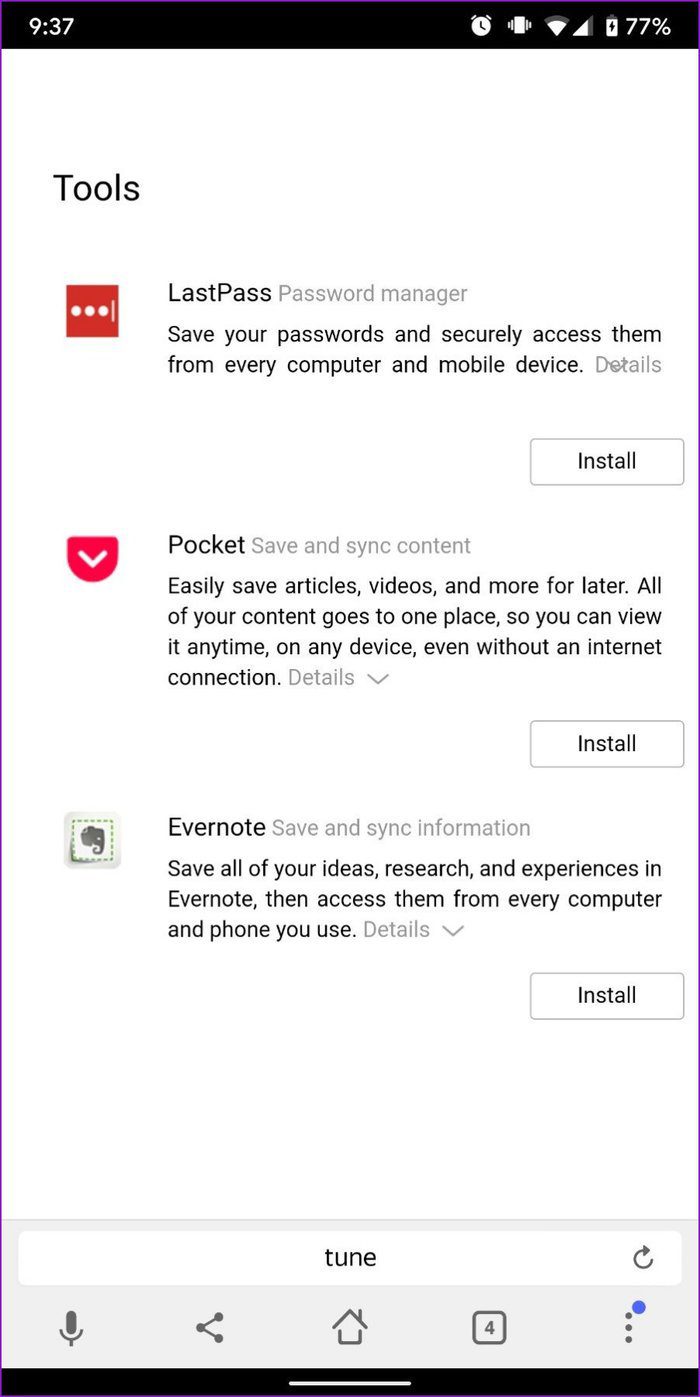
You can download Extensions on Yandex directly from the Chrome store. Again, not all of those extensions will work. To compensate for that, Yandex has a catalog with a handful of extensions, including famous names such as LastPass, Pocket, and Evernote.
Pro
Supports download from Chrome Extension store.
Yandex has a built-in store for Chrome extensions.
Cons
Not all extensions are supported.
Excellent on security.
Price: Free
Download Yandex Browser
3. Firefox Browser – Great Alternative to Chromium Browsers
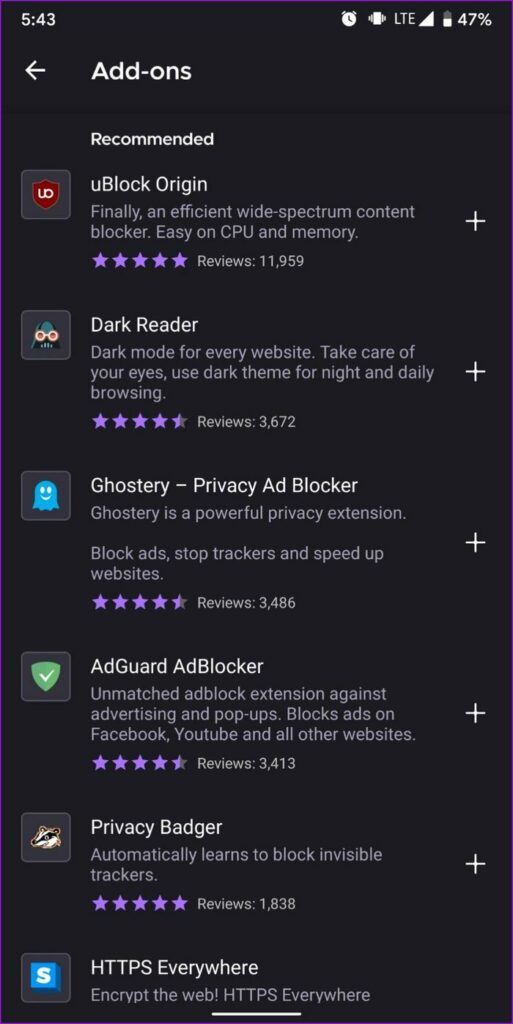
Firefox has long been Chrome’s most significant competitor and is one of the few browsers on Android that is not based on Chromium. However, when it comes to extensions, not being a Chromium-based browser works against Firefox, as you only get a limited number of add-ons to use. That said, those handfuls of add-ons are guaranteed to work flawlessly.
Pro
Supports Extension with built-in store.
Most of the popular extensions, such as Ublock, are supported.
Cons
A limited number of Add-ons
No support for Chrome extensions.
Price: Free
Download Firefox Browser
4. Samsung Internet Browser – Quality Extensions
It’s rare for an OEM browser on this list, but the Samsung Internet Browser certainly deserves it. Like its counterpart above, Samsung Internet has a few add-ons to offer. And yes, they’re not limited to Samsung devices.
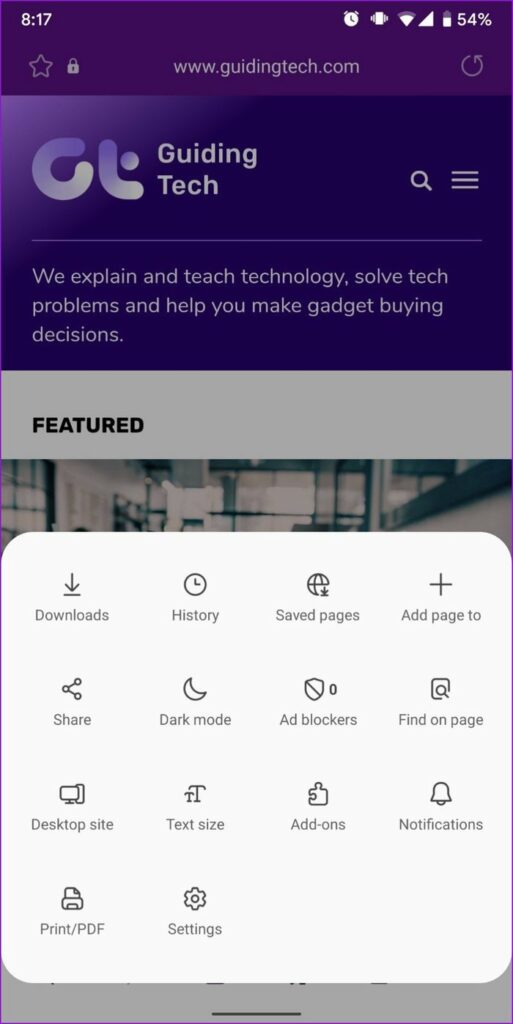
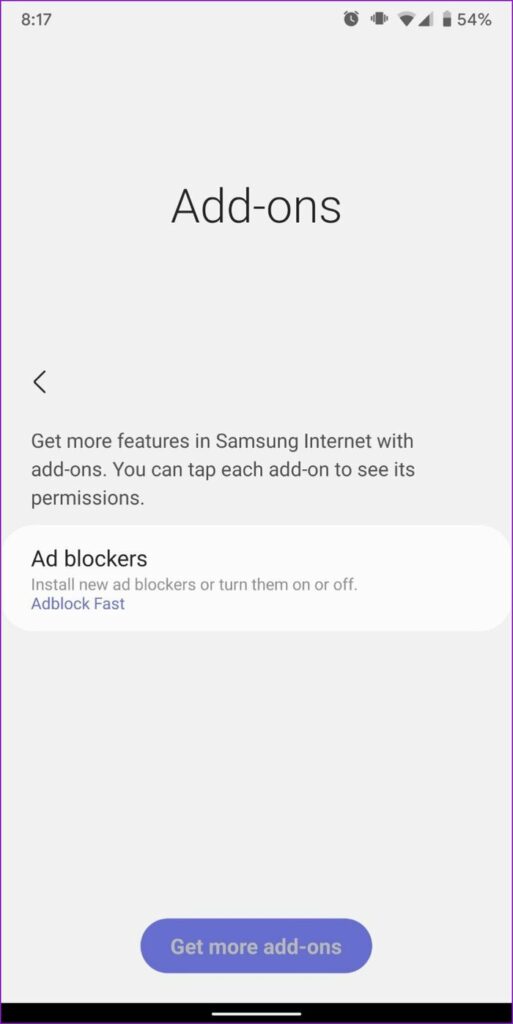
Instead of offering the entire Chrome store, Samsung handpicks and develops add-ons for mobile use. So, you might be a little short on quantity but never quality. Plus, you’ll get all the popular ones, including ad blockers, shopping assistants, translators, security, and more.
Pro
All popular extensions are supported.
Works on non-Samsung devices as well.
Cons
Limited number of extensions.
Price: Free
Download Samsung Internet Browser
Was this helpful?
Submit Cancel
Thanks for your feedback!
Keep reading