Android
How to Change Status Bar Clock Position or Remove It on Samsung Phone
Don't like the clock position on your phone? Learn how to change the position of clock or hide it on status bar in Samsung Galaxy phones.
By Mehvish
Quick Answer
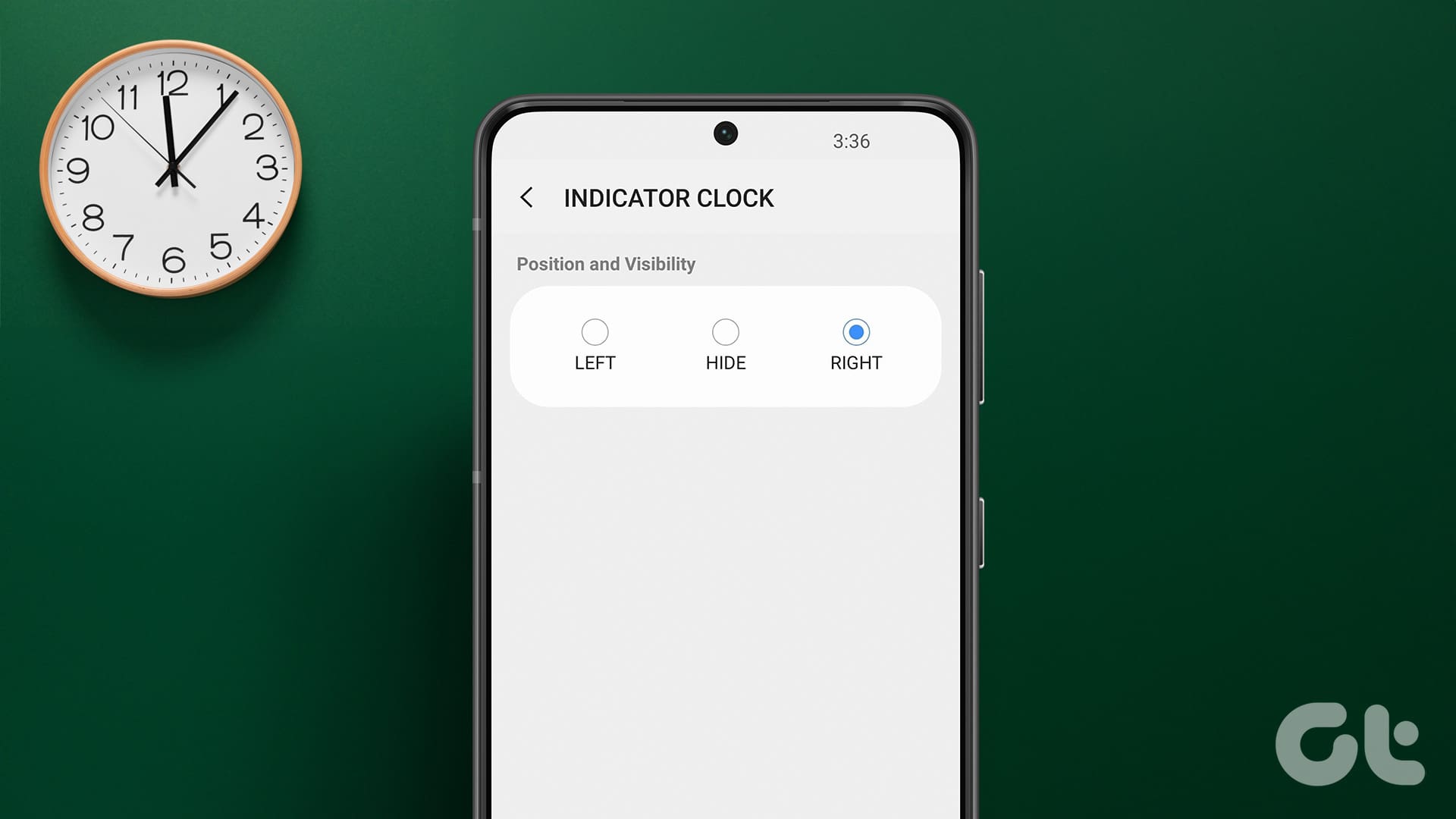
The Status Bar Clock position can be changed using the Good Lock app.
Select the QuickStar module > go to Clock Settings > Right.
Change or Remove Status Bar Clock Position on Samsung Phone
Currently, the clock is at the top-left corner of the Samsung Galaxy phone. You can easily move it to the right using the Good Lock app. This is an official app from Samsung that helps customize your phone to the fullest. For instance, you can customize share menu , change app drawer , etc.
Follow these steps:
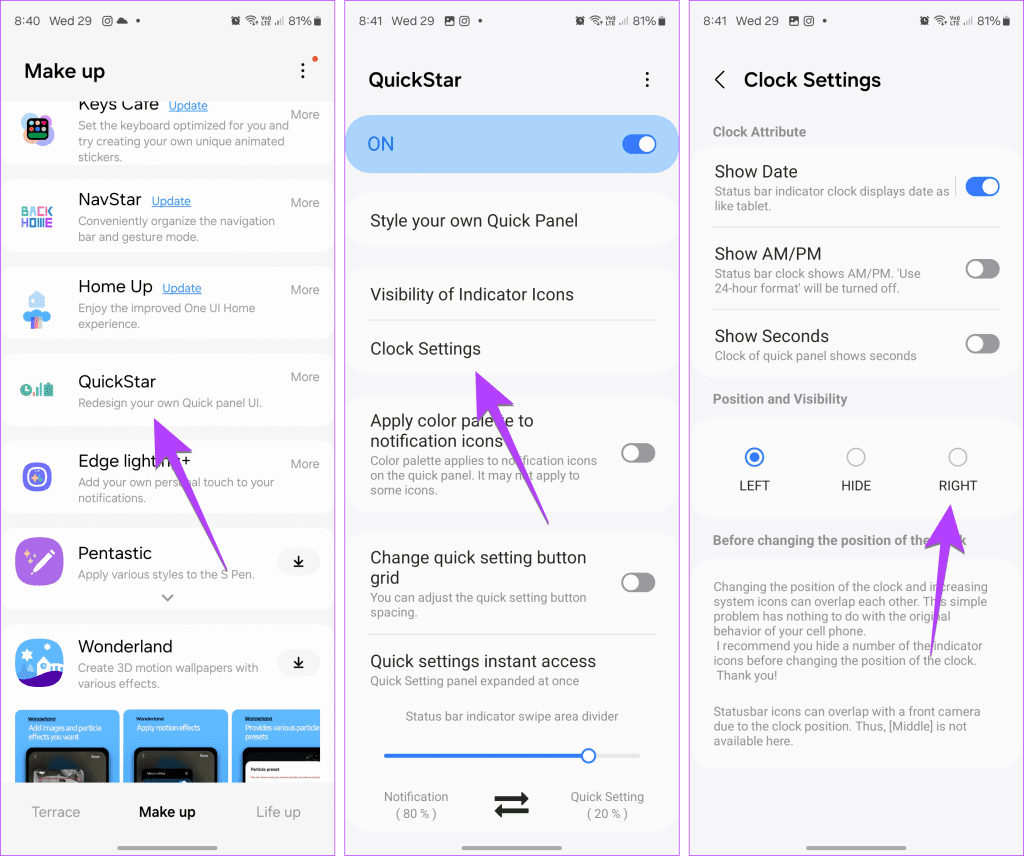
Step 1: Install and open the Good Lock app from the Galaxy Store on your phone.
Step 2 : In the Make up tab, tap on the Download icon next to the QuickStar module . Once installed, open and enable it.
Step 3: Tap on Clock Settings > select Right under Position and Visibility to move the clock to the right. To remove the clock from the status bar, select Hide .
Was this helpful?
Submit Cancel
Thanks for your feedback!
Keep reading